
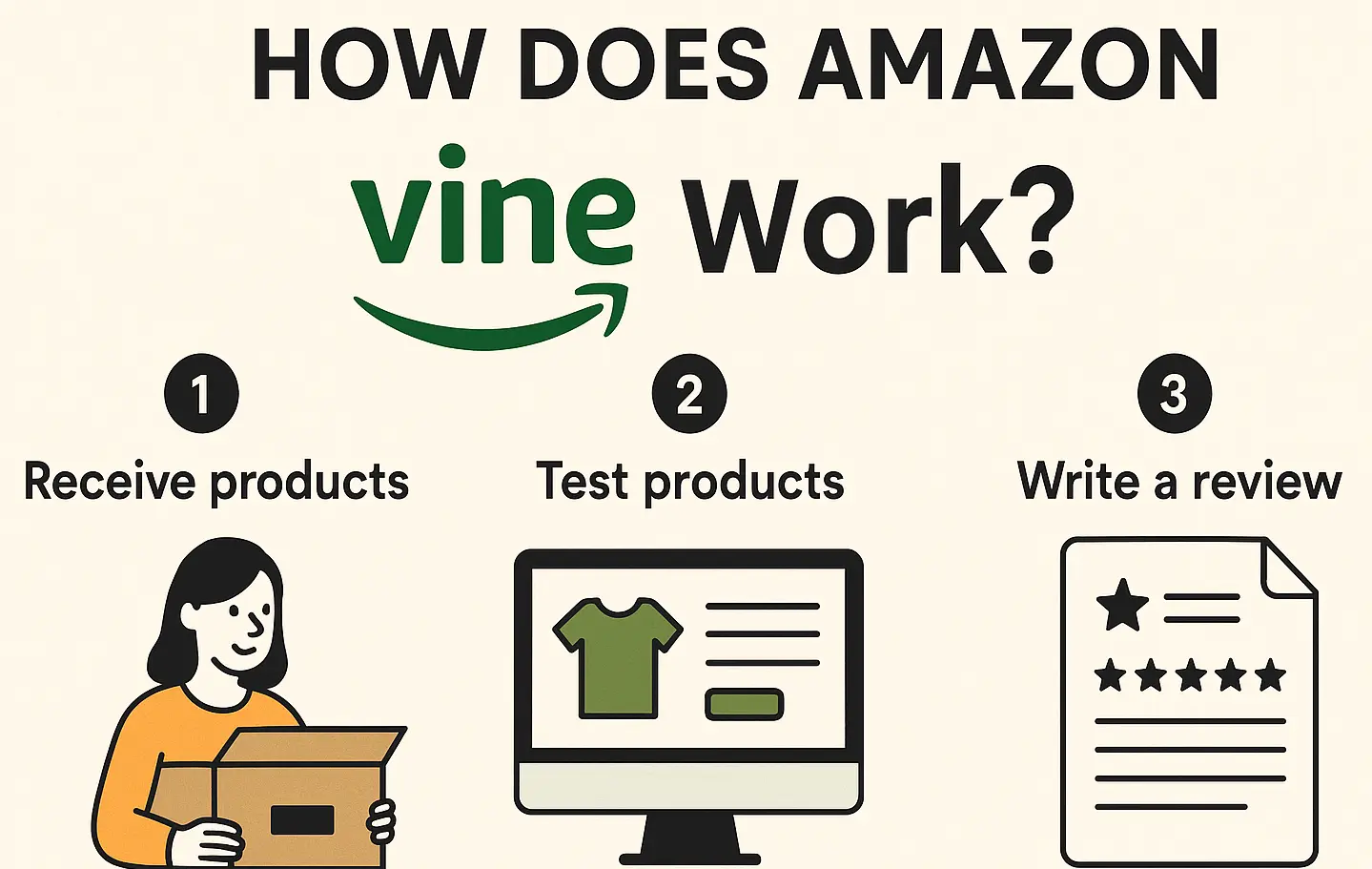
You launched a great product, but the reviews aren’t coming. That’s a common problem for Amazon sellers trying to get honest reviews while following Amazon’s rules. Amazon Vine was built to fix that. But how does Amazon Vine work?
Amazon Vine is a program where Amazon invites trusted reviewers to test products and leave honest feedback. Brands enroll products, and Amazon gives them to trusted reviewers who return honest, guideline-approved reviews.
This article explains how Amazon Vine operates and why sellers utilize it to gather early reviews. You’ll learn who can join, what it costs, how to enroll, and what benefits to expect. We’ll also explain how it compares to other review methods and what risks to avoid.
What Is Amazon Vine?
Amazon Vine is a special program where Amazon invites certain customers to review products before others do. These customers are called Vine Voices.
Amazon selects them for writing helpful, consistent reviews that others find useful. They are not Amazon employees and do not get paid for their opinions.
The Vine program began in 2007. Amazon created it to give shoppers honest feedback on new or unknown products. That makes it easier for people to decide what to buy, especially when a product has no reviews.
Every Vine review includes a green label that says, “Vine Customer Review of Free Product.” This builds extra trust for buyers when comparing different options.
Vine Voices gets products for free from brands that choose to join the program. In return, they write honest reviews based on real use. These reviews show up on the product page like any other customer feedback.
Sellers do not pay the reviewers and cannot ask for a good rating or control what is written. Amazon does not edit or change the reviews either. That’s why many shoppers rely on Vine reviews to make smarter buying choices.
Requirements for Amazon Vine
Not every seller can use Amazon Vine. The option might not appear in your Seller Central dashboard yet. That’s because Vine is only available to sellers who meet certain account and product-level requirements.
To start, your seller account must meet the following conditions:
- An active Brand Registry enrollment is a must for Vine participation.
- Your product must be Fulfilled by Amazon (FBA), not self-shipped or third-party fulfilled.
- Your account must have access to Vine in Seller Central.
Even if your account qualifies, each product must meet these ASIN-level requirements to be eligible:
- The product must be in “new” condition.
- It must have fewer than 30 customer reviews at the time of enrollment.
- It must be active and available for purchase when enrolling through the Vine dashboard.
How Does Amazon Vine Work (Step-by-Step)
Amazon Vine is an invite-only program where sellers give away products, and Amazon manages the full review cycle.
Once a product is enrolled, Amazon automates the process. It handles shipping, reviewer selection, and review publishing with no seller control.

Step 1: Enroll Your ASIN
The process begins in Seller Central under the Vine dashboard. You must select an eligible ASIN from your inventory. If the product qualifies, you can submit it into the Vine system. Once approved, the product becomes available to Vine Voices inside their reviewer dashboard.
Step 2: Amazon Ships the Product
Amazon ships each unit directly to the Vine Voice using FBA. You never touch the order or shipment process. You must cover the product and fulfillment costs, including any return shipping. Amazon controls timing and distribution to keep the program neutral.
Step 3: Reviewers Are Auto-Selected
You don’t pick the reviewers. Amazon uses its internal system to choose trusted Vine Voices for each ASIN. Selection is based on past review quality, activity, and product interest. Sellers cannot contact reviewers or see who receives the item.
Step 4: Product Is Tested and Reviewed
After receiving the item, the Vine Voice uses it like a regular buyer. They test it in real conditions. Then, they write a public review sharing their full experience. Amazon does not direct or approve the content in any way.
Step 5: Review Gets a Vine Label
Every Vine review includes a green badge that reads “Vine Customer Review of Free Product.” This label helps shoppers understand that the reviewer received the product at no cost. It builds transparency and trust without hiding the review’s origin.
Step 6: No Seller Control Allowed
Once a review is published, it’s final. Sellers cannot edit, request changes, or remove anything from the review. Amazon controls this process to ensure all feedback remains unbiased, consistent, and fair for shoppers.
Who Can Use Amazon Vine? (Eligibility)

Amazon doesn’t let just anyone join Vine. Both sellers and reviewers must meet strict requirements to qualify. If you’re a seller, your account must pass several checks before you can access the Vine dashboard in Seller Central.
To join as a seller, you must meet all of the following:
- Be enrolled in Amazon Brand Registry.
- Use Fulfilled by Amazon (FBA) for the product.
- Have fewer than 30 reviews on the ASIN.
- List the item in “new” condition.
If your product meets those rules, the Vine dashboard will show available slots for enrollment. FBM (Fulfilled by Merchant) sellers are not eligible for Vine, no matter the listing status.
As for reviewers, Amazon controls the selection. Only top reviewers are invited to become Vine Voices based on review quality.
Amazon chooses them using an internal system. You cannot apply or ask to join the reviewer side of the program. It’s invite-only, and access is limited to maintain fairness.
How Much Does Amazon Vine cost?
Sellers pay a $200 enrollment fee per ASIN when adding a product to Amazon Vine. This fee is non-refundable and covers access to the Vine system. You’ll also provide the product at no cost since reviewers receive it for free.
That $200 fee is a flat rate for one ASIN. You don’t pay more based on category, size, or price. Amazon does not charge for the review itself. You only pay to list the product inside the Vine reviewer catalog.
Vine Voices are not paid to write reviews. Each reviewer receives the item but no money or rewards from Amazon. This keeps the program fair and transparent. These reviews are not promotional content. All feedback is based on real product use and personal experience.
You can’t change the review, request edits, or rate the reviewer. Amazon controls the process to protect review quality. The cost covers exposure, not influence. It helps sellers gain trust early without breaking Amazon’s review policies.
We provide Amazon Collect Vine service to help brands gain trusted product reviews and improve listing credibility.
Our team manages Vine setup, product enrollment, and review strategy so your Amazon products can build stronger buyer confidence.
Benefits of Amazon Vine for Sellers
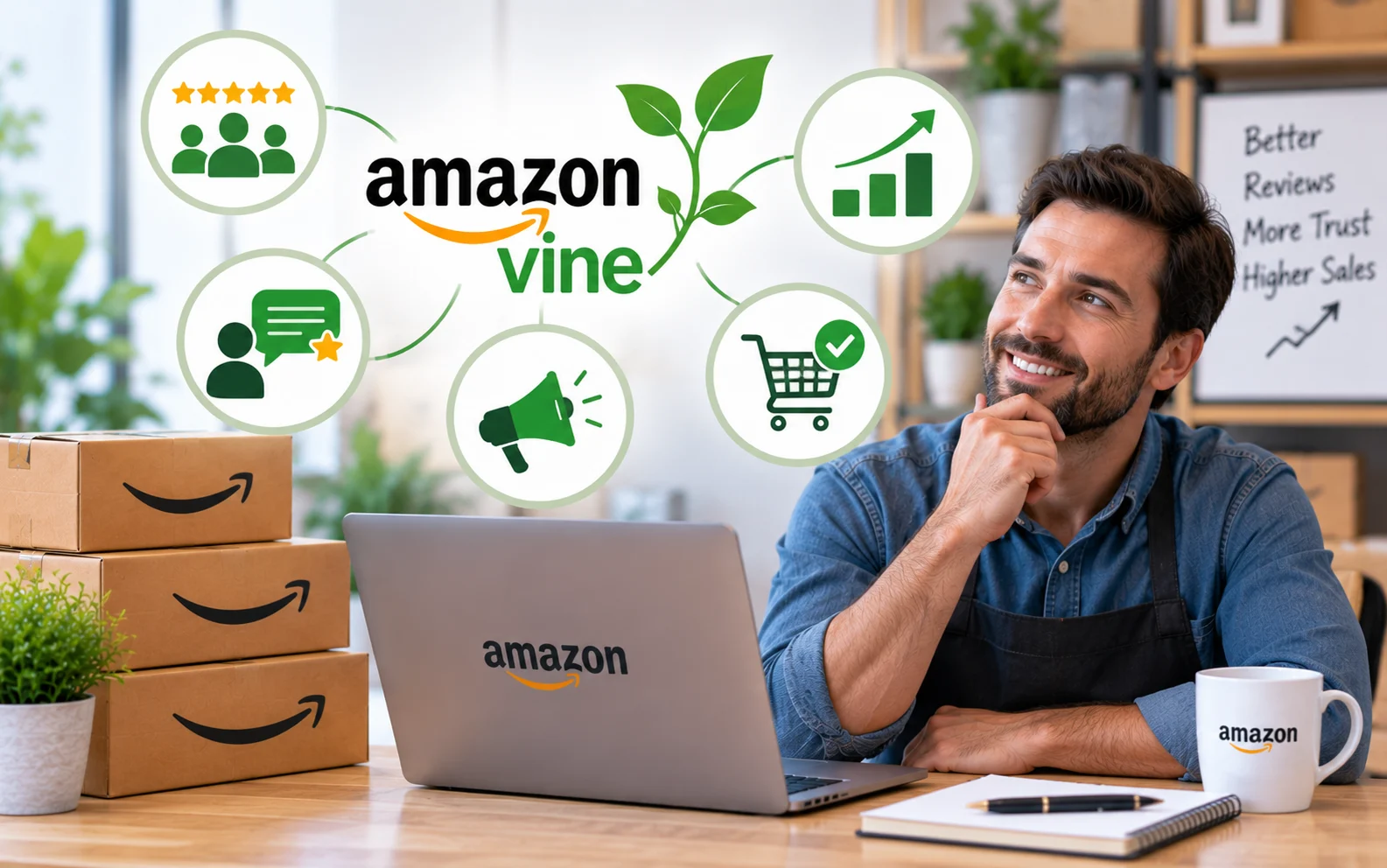
New products often struggle to get noticed. Amazon Vine helps them earn real reviews right from the start. When used properly, it can help improve your visibility, sales, and long-term ranking.
- Quicker Review Boost: Vine helps new products earn early reviews, build momentum, and start ranking sooner after launch.
- Builds Customer Trust: Reviews with Vine badges show real use, helping shoppers trust new listings much faster.
- Boosts Product Visibility: More reviews improve your product’s organic rank, pushing it higher in Amazon search results.
- Supports Conversion Growth: Positive reviews increase buyer confidence, leading to better click-through rates and more sales.
- No Need to Chase Reviews: You won’t have to chase buyers or follow up. Vine handles the full review flow for you.
- High-Quality Feedback: Vine Voices often writes detailed reviews that highlight strengths, flaws, and real user experience.
- SEO Advantages: Fresh, keyword-rich reviews add content to your page, improving its search relevance and ranking.
How To Get Amazon Vine?
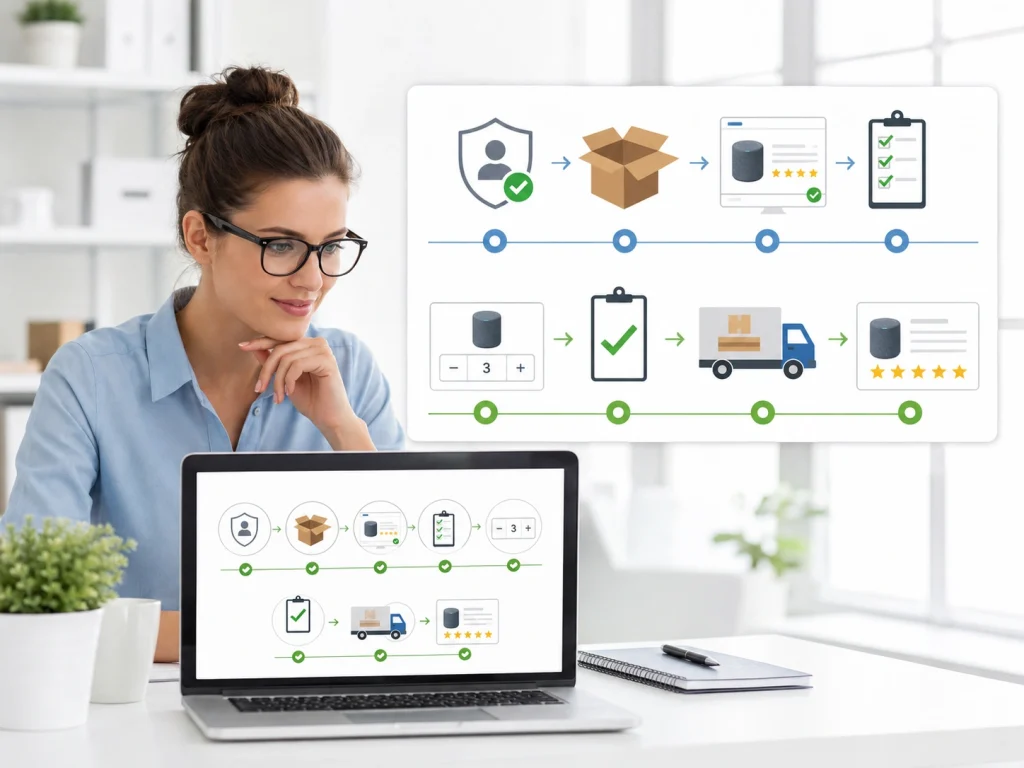
Access to Amazon Vine isn’t open to every seller. Only brand-registered accounts with FBA listings are allowed in.
If your product qualifies, the Vine dashboard appears in your Seller Central account. From there, you can enroll in a product in just a few steps.
Start by choosing a product that meets Vine’s listing rules. Then, pick the number of units to enroll.
Amazon reviews your submission, handles shipping, and selects reviewers. You won’t manage anything else.
If you want to access Amazon Vine, your account and product must meet a few key conditions first. Use this quick checklist to see if you’re ready to enroll.
- Brand is enrolled in Amazon Brand Registry.
- Product is Fulfilled by Amazon (FBA).
- ASIN has fewer than 30 reviews.
- Items are listed in “new” condition.
- Access to the Vine dashboard appears in Seller Central.
- Enough inventory is available in FBA.
- Enrollment fee is paid per ASIN.
- Quantity of units is selected during setup.
Is Amazon Vine worth it?

Amazon Vine can be worth it, but only for the right products and goals. It helps sellers collect trusted reviews quickly. That’s especially useful during new product launches or when a listing struggles to gain attention.
The biggest benefits include faster review collection, stronger buyer trust, and better search visibility. Early reviews also improve conversion rates. This gives your product a real chance to build momentum before running ads.
But there are tradeoffs. You must pay $200 per ASIN and send units at no cost. You also lose control. Reviewers share honest feedback, and you cannot edit or remove what they write. That risk makes Vine a poor fit for untested or low-margin products.
Vine is most useful for new launches stuck under 10 reviews. It also helps brands that need buyer proof before scaling. If you’re unsure, try it on one ASIN first. Check the results before using it across more products.
Amazon Vine Cost Breakdown: Fee Tiers, Free Products, FBA Fees, and Real RO
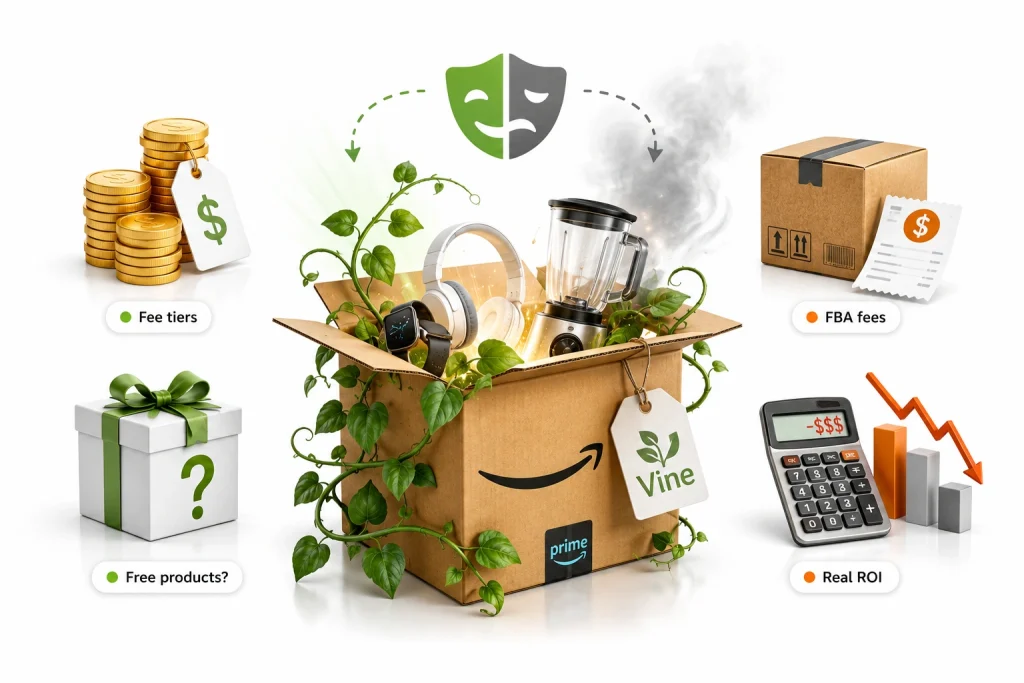
Amazon Vine cost is not just the enrollment fee. The real cost includes Amazon’s Vine fee, the free product units given to reviewers, FBA fulfillment fees, storage fees, and the lost profit from inventory that could have been sold.
Amazon’s Vine fee tiers are based on enrolled units: $0 for up to 2 units, $75 for up to 10 units, and $200 for up to 30 units per parent ASIN. Amazon also says FBA fees and other standard fees still apply, so sellers should not treat Vine as “free reviews.”
To calculate real ROI, use this formula: Vine ROI = extra profit from higher conversion minus total Vine cost. For example, if Vine reviews improve conversion enough to generate more profitable sales than the enrollment, product, and FBA costs, it is worth it. If not, Vine only becomes an expensive giveaway.
Amazon Vine Mistakes to Avoid Before Enrolling Your ASIN
The biggest Amazon Vine mistake is enrolling a weak product too early. Vine reviewers are often detailed and honest, so poor packaging, unclear instructions, bad quality control, or misleading images can quickly lead to negative reviews.
Another mistake is enrolling before the listing is fully optimized. Your title, bullets, images, A+ Content, pricing, coupon, and variation structure should be ready before Vine starts. Once an ASIN is enrolled, Amazon says sellers cannot update it to another tier or add child ASINs later, so poor setup can cost you reviews and money.
Sellers should also avoid using Vine as a shortcut for bad products. Vine can help collect early reviews, but it cannot fix low demand, weak differentiation, wrong pricing, or a product that customers simply do not want.
When Should Sellers Use Amazon Vine? Best Products, Bad Fits, and Launch Timing
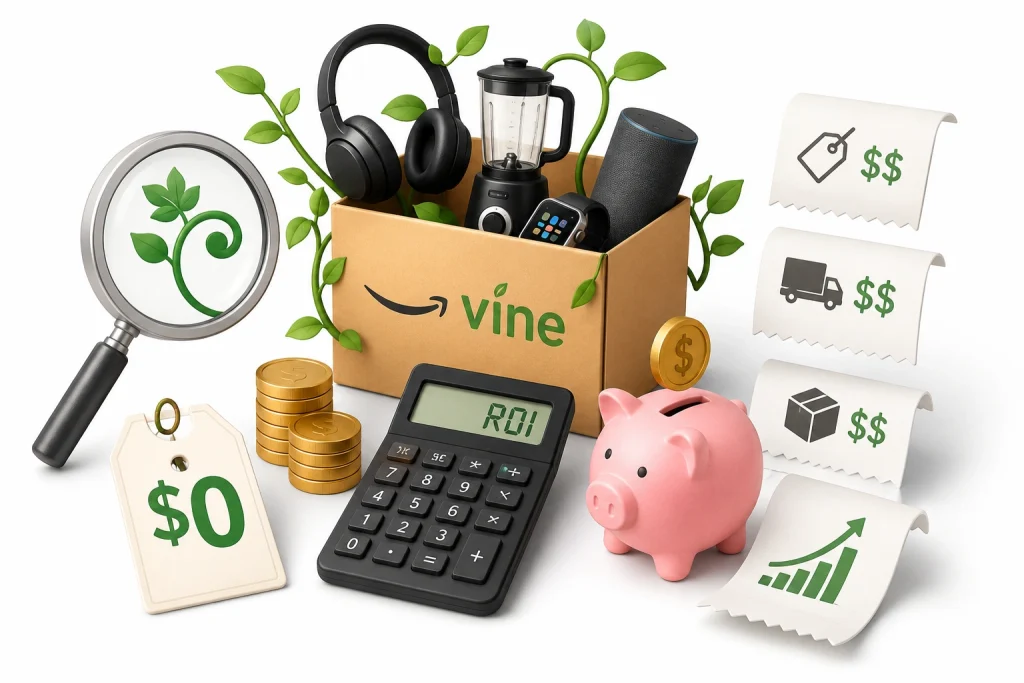
Sellers should use Amazon Vine when launching a new product with low or zero reviews, strong margins, stable inventory, and high confidence in product quality. It works best when reviews can remove buyer hesitation and improve conversion.
Good Vine products include private-label items, simple consumer products, giftable products, and products where photos, size, material, comfort, or usability matter. These categories often benefit from real customer feedback because shoppers need trust before buying.
Bad fits include low-margin products, fragile products, high-defect items, complicated electronics, products with unclear instructions, and items where one negative review can seriously damage conversion. If your product has unresolved complaints, do not enroll it yet.
The best time to use Amazon Vine is before scaling PPC heavily but after the listing, inventory, pricing, and product quality are ready. Vine should support a launch strategy, not replace product research, listing optimization, or proper advertising.
Frequently Asked Questions(FAQs)
These quick explanations offer more insight into how Amazon Vine fits into your overall selling strategy.
No, sellers cannot select or contact Vine reviewers. Amazon assigns products automatically to approved Vine Voices based on reviewer history, category fit, and past activity. This keeps the process unbiased and protects review quality.
Most sellers begin seeing reviews within 7 to 14 days after enrolling an ASIN. However, timing depends on category demand and reviewer interest. Some products receive multiple reviews quickly, while others may take longer or get fewer responses.
Vine reviews only appear on your product listing and do not influence seller performance metrics or account health status. They won’t impact your order defect rate, late shipment rate, or customer service performance scores on Amazon.
If your product didn’t receive the full number of Vine reviews, you may be able to re-enroll it. However, the option depends on current eligibility rules. Amazon may limit re-enrollment, especially if the ASIN has gained reviews since.
Negative reviews are allowed and cannot be removed by the seller. Amazon supports honest feedback, even if it’s critical. You can report a review only if it violates Amazon’s policies, such as including profanity or personal information.
Only Amazon invites buyers to join Vine. Members are selected based on helpful review history, consistent activity, and good standing. You cannot apply directly because Vine Voices are handpicked by Amazon for their trusted feedback.
Grow Beyond Vine with Brand’s Bro
Amazon Vine helps you collect early reviews, but that alone won’t drive real growth. What you do next matters. You need strong listings, better traffic, and a plan that supports long-term results.
Brand’s Bro works with sellers to turn those early reviews into steady momentum. We improve product pages, design storefronts, and write A+ Content that helps convert new visitors into buyers.
Our team also handles Amazon photo editing, Amazon SEO, and listing optimization to keep your products competitive.


