

A shopper types a search term and sees forty search result thumbnail squares. Your product sits in one of them. They decide in under a second whether to tap yours or scroll past.
New Amazon sellers blame price when sales stay flat. They cut margins, add coupons, and pour money into ads. The real leak often sits in the thumbnail nobody clicked.
Product photography fills most of our week at Brand’s Bro each month. Our studio and editing team have touched over 12,000 files since 2019. Sellers across the USA, Canada, the UK, and Australia send the same problem.
That volume teaches you which images earn taps and which ones just sit there. Compliance is the easy half, and conversion is where most stacks fail. Amazon tightened its automated image scanning through 2026, so the margin for error shrank.
One case sticks with us. A pet supplies brand arrived with 900 monthly sessions and 14 orders. Their main image showed the product at maybe half the frame.
We recropped it to fill 88 percent and killed a corner logo. Their click-through rate climbed 41 percent in three weeks. Unit session percentage moved from 1.6 to 4.2.
Nothing about the product changed. No price cut, no new reviews, no extra ad spend. The photo did the work.
This guide covers Amazon product image mistakes that stop new sellers from getting sales. Every error below comes from work we do each week. Sellers across the USA follow this same audit order.
We picked these eleven errors using four filters from our own audit data. Each filter reflects what we track across live accounts.
- Repeat appearance across at least twenty audited accounts.
- Direct effect on click-through rate or conversion.
- Fixable without a full product reshoot.
- Common among sellers in their first year.
Each error below shows up in real accounts, not in theory. The summary table comes first for anyone in a hurry.
The 11 Amazon Product Image Errors at a Glance
This table sums up all eleven errors before the detail. Each row names the symptom and the metric it damages. You can jump to whichever one matches your listing.
No | Error | Symptom | What It Costs |
1 | Background not pure white | Main image off RGB 255,255,255 | Suppression risk |
2 | Product too small in frame | Under 85 percent fill | Click-through rate |
3 | Resolution too low | Under 1,000 pixels | Zoom feature lost |
4 | Text or logo on hero | Overlay graphics | Listing suppression |
5 | Props that do not ship | Extra items shown | Returns and reviews |
6 | No scale reference | Missing size cue | Return rate |
7 | Missing lifestyle context | No use-case photo | Conversion rate |
8 | Unreadable infographic | Small mobile text | Buyer questions |
9 | Stack stops at three | Empty image slots | Unanswered objections |
10 | No packaging shot | Contents unclear | Buyer trust |
11 | No image testing | One version only | Lost conversion |
The table maps the whole article for you. Errors one through five break compliance or clicks. The rest cost you conversions after the click.
Each section below explains the mechanism and the fix. Definitions come first for anyone new to Amazon photo rules.
What Are Amazon Image Requirements for Product Listings?
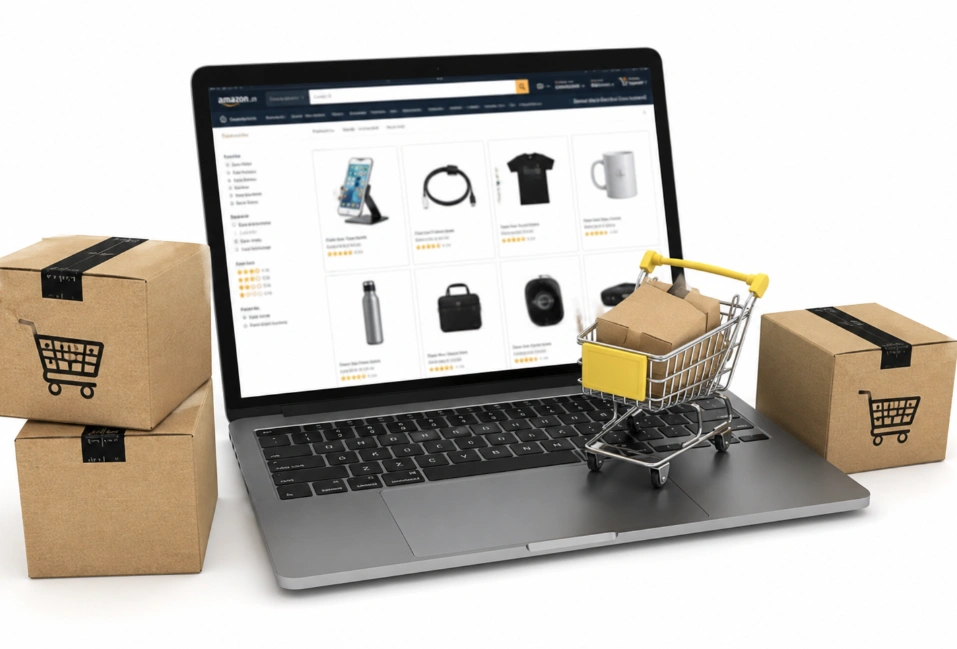
Amazon image requirements demand a pure white background at RGB 255,255,255. The product must fill at least 85 percent of the frame. No text, logos, watermarks, or borders may appear anywhere in that image.
A white background image also needs the right resolution. Amazon needs 1,000 pixels on the longest side for zoom. Most sellers upload 2,000 pixels because zoom lifts conversion.
File rules round out the list. JPEG works best, though PNG, TIFF, and GIF also upload. Your file stays under 10 MB in sRGB color mode.
Apparel allows on-model main photos, and necklaces can crop at the frame edge. Amazon lists each department rule on its image requirements page inside Seller Central. Category style guides override the general rules.
Reading yours before a launch prevents a rejection cycle. Style guides also change without notice. Amazon product images that passed last year can fail today.
Do Product Images Really Affect Amazon Sales? The Quick Answer
Yes, product images affect Amazon sales more than any other listing element. Your main image controls whether a shopper clicks from search results. Secondary images decide whether that click turns into an order on the product detail page.
A listing gets two chances to fail. The first comes in search, where forty thumbnails compete for one tap. Weak product photos on the page cause the second.
Amazon product images carry more weight than any product detail page element. Established listings lean on 2,000 reviews. Yours has photos and nothing else.
Your product title, star rating, and bullet points matter. None of them rescue a bad thumbnail.
Nobody reads your price if they never tap your square. Rules come first, because compliance decides whether your listing shows.
What Happens When Your Images Break the Rules
Amazon suppresses listings that break main image rules. A suppressed listing does not rank, convert, or appear in search. Sellers across the USA lose full days of traffic to this every week.
Automated scanning catches violations your eye misses. A background at RGB 254,254,254 fails the check. Compression can shift a white background off-spec after upload.
Image suppression shows up in Seller Central with a stated reason. An Amazon image rejected flag names the exact violation. Most fixes clear within 24 hours.
Amazon listing optimization keeps you live, but compliance alone makes no money. Eleven errors below cover both problems at once.
11 Amazon Product Image Mistakes That Cost New Sellers Sales
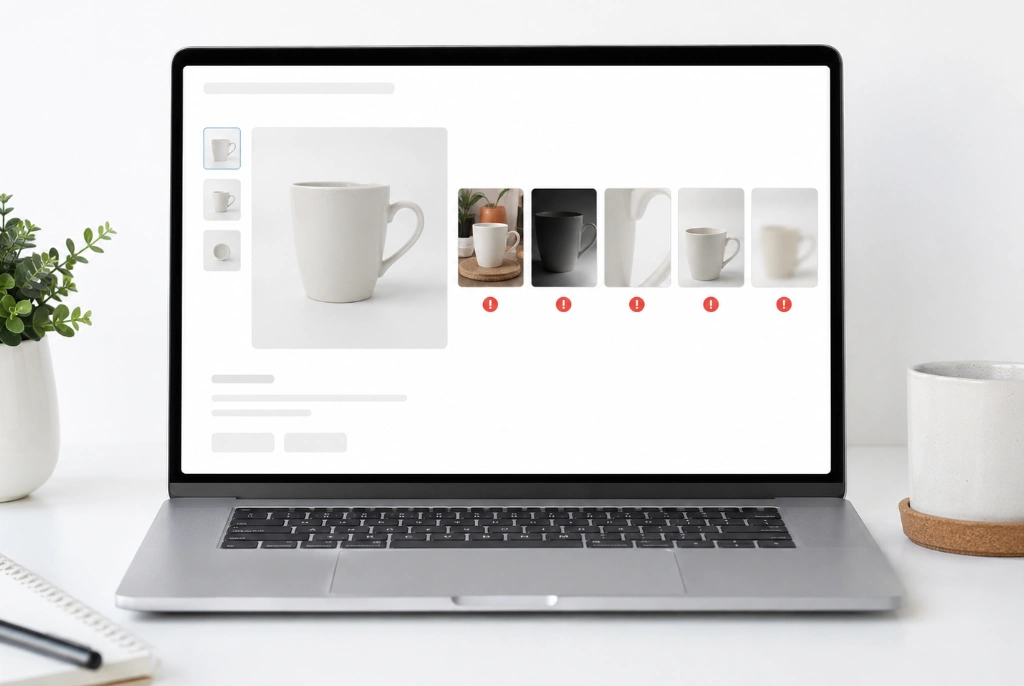
These eleven Amazon image errors cause most lost sales in our audits. Main image mistakes come first, then secondary image mistakes. Each one has a symptom and a fix you can apply today.
A Background That Is Not Pure White
Amazon requires exact RGB 255,255,255 on your main image. Cream, off-white, and light gray all fail the automated scan. A shadow gradient in one corner counts as a violation.
Sellers often shoot on white paper and assume the job is done. Camera white balance shifts the tone without you noticing. An Amazon image rejected notice traces back to this more than anything else.
The fix: Pick the corner pixels with a color picker before upload. Any value below 255 needs correcting in your editor.
A Product That Sits Too Small in the Frame
Your product must fill at least 85 percent of the image area. Buyer hesitation grows when white space swallows the product. Amazon can also suppress a listing over excessive blank space.
Thumbnails in search run about 200 pixels wide on desktop. A product filling 60 percent looks tiny at that size. Visual merchandising fails when the product fills frame space poorly.
The fix: Crop tighter than feels comfortable. A small, even white margin around the product is all you need.
Resolution Too Low for the Zoom Feature
Images under 1,000 pixels disable zoom on your detail page. Shoppers cannot inspect material close-ups, stitching, or finish. That single missing feature drops conversion across every category.
Amazon accepts 500 pixels as an absolute floor. Anything in that range looks soft on modern phone screens. Retina displays expose every compression artifact.
The fix: Upload at 2,000 pixels on the longest side. File size stays under 10 MB at JPEG quality 85.
Text, Logos, or Badges on the Hero Shot
Amazon bans text, logos, watermarks, and borders on main images. A small brand mark in the corner triggers suppression. Promotional badges like best seller also break the rule.
Logos printed on product packaging are fine. The ban covers graphics you add in editing. That distinction confuses most first-time sellers.
The fix: Strip every overlay from your hero shot. Save your callouts for the secondary slots where Amazon allows them.
Props and Extras That Do Not Ship
Your main image can only show what the buyer receives. Staging props, backdrops, and accessories all break that rule. A coffee mug beside your kitchen scale counts as a violation.
This mistake also creates returns. Shoppers expect the extras they saw in the photo. Review-driven objections follow within weeks.
The fix: Photograph the product alone on white. Move the styling to your lifestyle slots instead.
No Scale Reference Anywhere in the Stack
Shoppers guess product dimensions when no photo shows scale. Wrong guesses turn into returns and one-star reviews. A product scale image prevents both.
Scale works three ways in practice. A hand holding the item reads fastest for small products. Room shots handle furniture, and dimension callouts handle the rest.
The fix: Add one image to show product scale. A hand or a coin works in slot three.
Missing Lifestyle Context
Amazon lifestyle images show your product in real use by a real person. Good ones place the buyer inside the scene.
Shoppers picture ownership through those photos. A bare white stack gives them nothing to picture.
Lifestyle photography does more than decorate. These lifestyle product photos signal who the product is for. A shopper who sees their own kitchen stops comparing.
The fix: Shoot two use-case image files where your buyer lives. Strong Amazon lifestyle images match the model to your target buyer.
Infographics Nobody Can Read on a Phone
Roughly seven in ten Amazon sessions happen on a phone. Small text inside an infographic turns unreadable at that width. Benefit callouts vanish on mobile listing images where shoppers look.
Amazon infographic images work when they carry three points, not ten. Cluttered Amazon infographic images lose mobile shoppers fast. Image readability beats information density every time.
The fix: Set your smallest text at 60 pixels on a 2,000 pixel canvas. Preview each file at thumbnail size before upload.
An Image Stack That Stops at Three Photos
Amazon allows up to seven additional images beyond your main. Most new sellers upload three and move on. Every empty slot is an unanswered buyer question.
A full product image stack helps you answer buyer questions in order. Hero, benefits, scale, use case, comparison, packaging, and detail. Each slot moves a shopper down the sales funnel.
The fix: Fill at least six slots before you spend a dollar on ads. Empty slots cost more than a photographer does.
No Packaging or What Is Included Shot
Buyers want to know exactly what arrives in the box. A packaging photo and a comparison image answer that at a glance. What is included images cut support messages and returns.
This slot builds buyer trust for unknown brands. Nobody has heard of you yet. Showing the full contents replaces a reputation you have not built.
The fix: Lay out every component on white and shoot from above. Label each piece with a short callout.
Publishing Without Testing a Single Alternative
Most sellers upload one main image and never test another. Manage Your Experiments lets Brand Registry sellers run A/B testing on images. Amazon splits traffic and reports which version sells more.
Opinion loses to data on this every time. Our team has watched ugly images beat pretty ones. Split testing settles arguments a design review cannot.
The fix: Run one main image test per quarter on your top ASIN. Four to six weeks gives you a usable result.
How We Handle Image Work at Brand's Bro
Our team runs a compliance pass to improve conversion rate before creative work. Every file gets checked against RGB values, frame fill, and resolution. Fixing suppression risk comes before design.
We map your seven slots to the objections your reviews reveal. A product infographic answers the gaps your reviews reveal. Each slot then handles one of them.
Amazon main image optimization gets its own test cycle after launch. We treat Amazon main image optimization as the highest-value edit. Conversion optimization guides every revision after that.
Our audits cover compliance and conversion in one pass. You get a slot-by-slot plan built for your category.
Amazon Image Variant Codes Every Seller Should Know
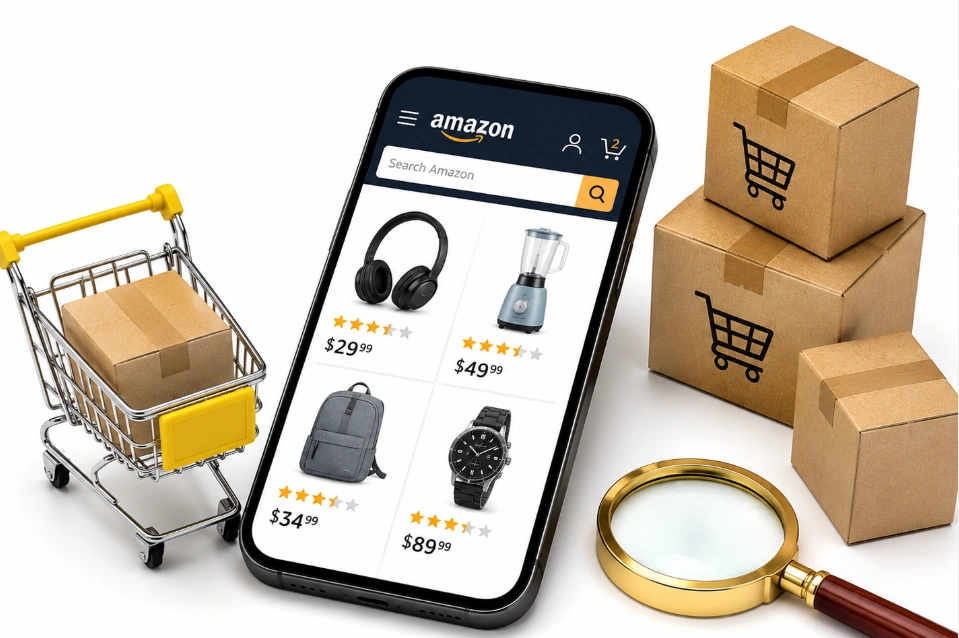
Amazon assigns a code to each image slot on your listing. MAIN holds your hero shot, and PT01 through PT99 hold your secondary images. Those codes decide where each file lands.
Other codes handle specific jobs. SWCH covers colour swatches, and INGR covers ingredient panels. PS01 through PS06 carry safety and compliance labels.
Angle codes cover the rest of the set. TOPP, BOTT, LEFT, RGHT, FRNT, and BACK each show one side. DTLS handles multipack shots.
Your category style guide decides which codes apply. Supplements need INGR, and appliances often need EEGL for energy labels. Picking the wrong code buries an image where nobody sees it.
Why Your Image File Names Matter
Amazon reads your file name to match each image to the right slot. The format runs product identifier, then variant code, then extension. A file called B000123456.MAIN.jpg lands as your hero.
Spaces, dashes, and special characters break the upload. A file named NEW-B000123456.jpg fails every time. Any file without a variant code defaults to your main image slot.
The identifier can be an ASIN, UPC, EAN, GTIN, or SKU. Bulk uploads through Image Manager rely on this rule entirely. One typo sends a lifestyle photo into your hero slot.
Uploaded files can take up to 24 hours to appear. Amazon may also reorder your images after review. Checking the live page the next day catches both.
Special Rules for Multipacks and Bundles
Multipack listings carry their own main image rules. Your hero must show every unit in the pack. The packaging has to appear alongside those units.
Your product title must state the quantity in plain terms. Pack of 3 or 6-count both work. A mismatch between title and image drives returns.
Bundles follow similar logic with one difference. Every item in the bundle appears together in one frame. Nothing outside the bundle belongs in that shot.
The Minimum Image Stack for a New Seller
A new seller needs seven images before spending on ads. Each slot does one job that the others cannot. The table below assigns those jobs in order.
Slot | Image Type | Job It Does |
1 | Main hero image | Pure white compliance and the click |
2 | Primary benefit infographic | Top three features |
3 | Scale or dimension image | Size clarity |
4 | Lifestyle in-use photo | Buyer context |
5 | Material or detail close-up | Quality proof |
6 | Comparison or variant chart | Choice support |
7 | Packaging and what is included | Trust and returns |
Product listing optimization depends on order as much as content. Shoppers swipe left to right and stop when a question gets answered. Visual proof belongs in the earliest slots.
Amazon listing images work as a sequence, not a gallery. Skipping slot four breaks the chain in your Amazon listing images. Sellers who fill all seven see fewer pre-purchase questions.
How Mobile Screens Change Your Image Strategy
Mobile shoppers see your images in a column about 400 pixels wide. Text sized for desktop disappears at that width. Mobile-first design decides whether your work gets seen.
Mobile product images need three habits. Large text, high contrast, and one message per frame. Crowded layouts fail before a shopper reads them.
Amazon product photography for mobile favors tight crops. A wide environmental shot loses the product entirely. Close framing keeps the item readable at thumbnail size.
Preview every image on your own phone before upload. What reads on a monitor often fails in your hand. Most sellers in the USA skip this and pay for it later.
Why Your Amazon PPC Spend Is Not Converting
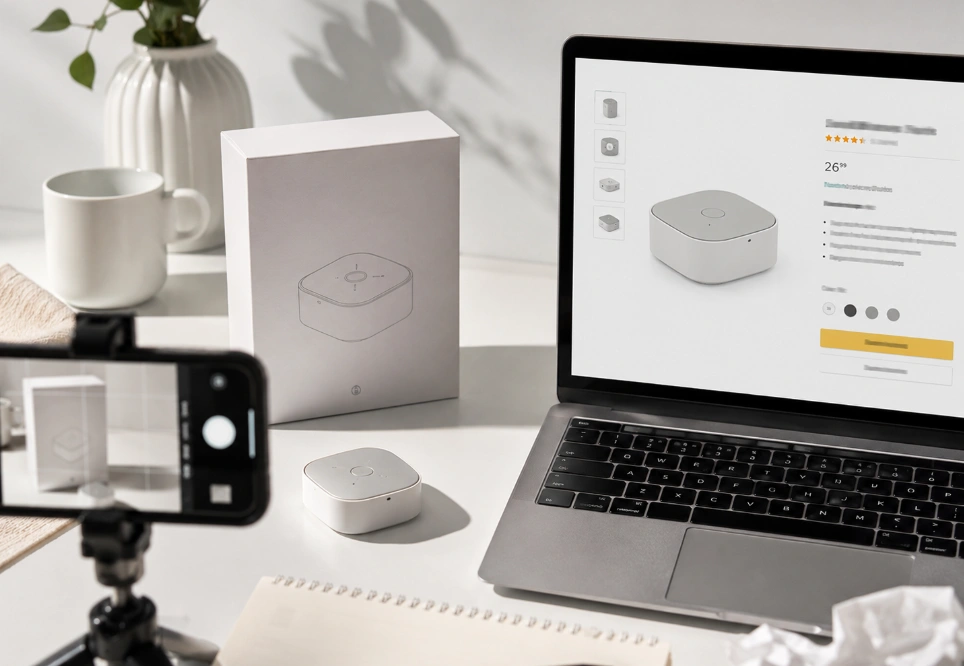
Weak images waste ad budget faster than bad keywords. Sponsored Products clicks cost money whether they convert or not. Image quality decides that return and cuts sales loss.
Amazon PPC conversion depends on message match. A shopper clicks an ad expecting one thing. Your image stack has to deliver that same promise.
Ad efficiency improves the moment your images answer objections. Cost per sale drops and helps you increase Amazon sales.
Amazon watches conversion when it awards the Amazon Choice badge to a listing. Weak photos keep that signal below the line. Strong ones hold it steady for months.
New sellers often scale ads before fixing photos. That order burns cash during your most expensive weeks. Photos first, then traffic, so you stop losing sales.
How to Test Product Images With Data
Manage Your Experiments runs true A/B tests on your main image. Amazon splits your traffic between two versions and reports the winner. The tool needs Brand Registry and enough sessions to reach significance.
Split testing works on one variable at a time. Two different crops make a clean test. Changing crop and background together tells you nothing.
Unit session percentage is the metric that settles it. Divide units ordered by sessions on your detail page. Business Reports in Seller Central shows both numbers.
Tests usually need four to six weeks for a clear read. Low-traffic ASINs may never reach significance. Trends beat single-week readings either way.
Your Pre-Upload Image Audit Checklist
Running this checklist before upload prevents most rejection cycles. Each item takes under a minute. Sellers who skip it usually reshoot later.
- Corner pixels read exactly 255,255,255.
- Product fills 85 percent or more of the frame.
- Longest side measures at least 2,000 pixels.
- No text, logos, or borders on the main image.
- Every prop in the shot ships with the product.
- Smallest infographic text sits above 60 pixels.
- All seven slots hold a distinct image.
- Each file previews cleanly at thumbnail size.
The checklist doubles as a rejection diagnostic. An image that fails review usually broke one of these lines. Reading the stated reason narrows it further.
Product compliance is only half the work. Retail readiness means your photos also sell.
Which Image Strategy Fits Your Product?
Your image strategy depends on price point, category, and product type. A 12 dollar cable needs a different stack than a 200-dollar chair. Matching the two saves you money.
Low-price commodity products need compliance and one clear benefit graphic. Shoppers decide fast at that price. Three strong images often beat seven weak ones.
Mid-price considered purchases need the full seven-slot stack. Buyers compare specs before they commit. Comparison chart files and a before and after image earn their slots here.
High-price or technical products need video alongside photos. An Amazon product video shows setup better than stills. A+ Content and Brand Story extend that story.
Signs Your Images Are the Problem, Not Your Price
Three signals point at images rather than pricing. Each one shows up in your Business Reports. Reading them together tells you where the leak sits.
High sessions with low unit session percentage means shoppers arrive and leave. Your price got them to click. The photos failed to close them.
Low sessions with strong ad impressions mean your thumbnail loses in search. Click-through rate is the metric to watch. It points straight at your main image.
Rising return rates with steady sales point at expectation gaps. Customer questions and returns rise when product details mislead. Scale and packaging shots fix that fastest.
When to Hire a Photographer and When to Edit
Amazon product photo editing solves more problems than a reshoot for most new sellers. Good Amazon product photo editing rescues files you already own. Background removal and color correction both improve conversion rate in software.
A reshoot makes sense when the original file lacks resolution. No editor can add pixels that were never captured. Blurry or badly lit originals also need the camera again.
Professional lighting and shadow control separate studio work from phone photos. You can compare both routes on our Amazon product photography services page today. Ecommerce photography costs less than most sellers expect.
Amazon image optimization is an ongoing job, not a launch task. Treating Amazon image optimization as one-and-done costs you rank. Quarterly reviews keep your stack current.
How Often Should You Refresh Your Images?
Most sellers should review their image stack every quarter. Category style guides changed more than once during 2026 alone. A listing that converted in January can slip by June.
Three triggers force an earlier refresh. A competitor overhaul, a new product variant, or a drop in click-through rate. Each one changes what shoppers compare you against.
Seasonal swaps help in gift-heavy categories. A holiday table shot beats a generic kitchen photo in November. Swapping one slot takes an afternoon.
Old photos also date your brand. Packaging changes and product revisions both leave stale images behind. Buyers notice the mismatch when the box arrives.
What to Do When Amazon Suppresses Your Listing
A suppressed listing needs the stated violation fixed and resubmitted. The Fix Your Products page in Seller Central names the exact rule. Reading that notice saves hours of guessing.
Four checks resolve most suppressions. Verify corner pixels, measure frame fill, confirm resolution, and strip overlays. One of those four fixes nearly every case.
Resubmission runs through the same upload flow. Most corrected images clear within 24 hours. Repeat violations can extend that window.
Keeping a compliant master file prevents the second round. You edit from that file each time you need a variant. That habit ends the rejection cycle for good.
Rare cases involve a competitor uploading a bad image to your ASIN. Hosting your original file on your own site proves ownership. An infringement complaint then restores the correct photo.
Frequently Asked Questions (FAQs)
New sellers ask us the same image questions before every launch. The answers below cover rules, costs, and testing. Each one reflects what Amazon documents today.
Why did Amazon reject my product image?
Most rejections trace to a background that is not exactly RGB 255,255,255. Text, logos, or a product filling under 85 percent also trigger it. Seller Central states the exact violation in the notice.
How many images should a new Amazon listing have?
Seven images cover most categories, including your main plus six secondary slots. Amazon allows up to seven additional images beyond the main. Every empty slot leaves a buyer question unanswered.
Do lifestyle images need a white background?
No, only your main image requires a pure white background. Secondary slots allow lifestyle scenes, infographics, and comparison charts. Text overlays are also fine on those slots.
What image size works best on Amazon?
Amazon needs 1,000 pixels minimum for zoom, though 2,000 pixels performs better. Larger files stay sharp on phone screens and retina displays. Keep each file under 10 MB.
Can I test my main image on Amazon?
Yes, Manage Your Experiments lets Brand Registry sellers A/B test main images. Amazon splits traffic and reports which version drives more sales. Tests need four to six weeks for a clear read.
How much does Amazon product photography cost?
Editing existing photos runs far cheaper than a full studio reshoot. Most new sellers start with edits and reshoot only what fails. Resolution is the one problem editing cannot solve.
Fix the Photos Before You Fix the Price
Amazon product image mistakes that stop new sellers from getting sales share one trait. Each one loses a shopper before price ever enters the decision. Compliance keeps you visible, and conversion photos keep you selling.
Start with your main image and the seven-slot stack. Run the audit checklist before every upload. Test one change per quarter and let the numbers decide.
Photos cost less than the traffic you are already buying. A weak thumbnail wastes every click you pay for. Brands across the USA fix that square first and the rest gets easier.
