
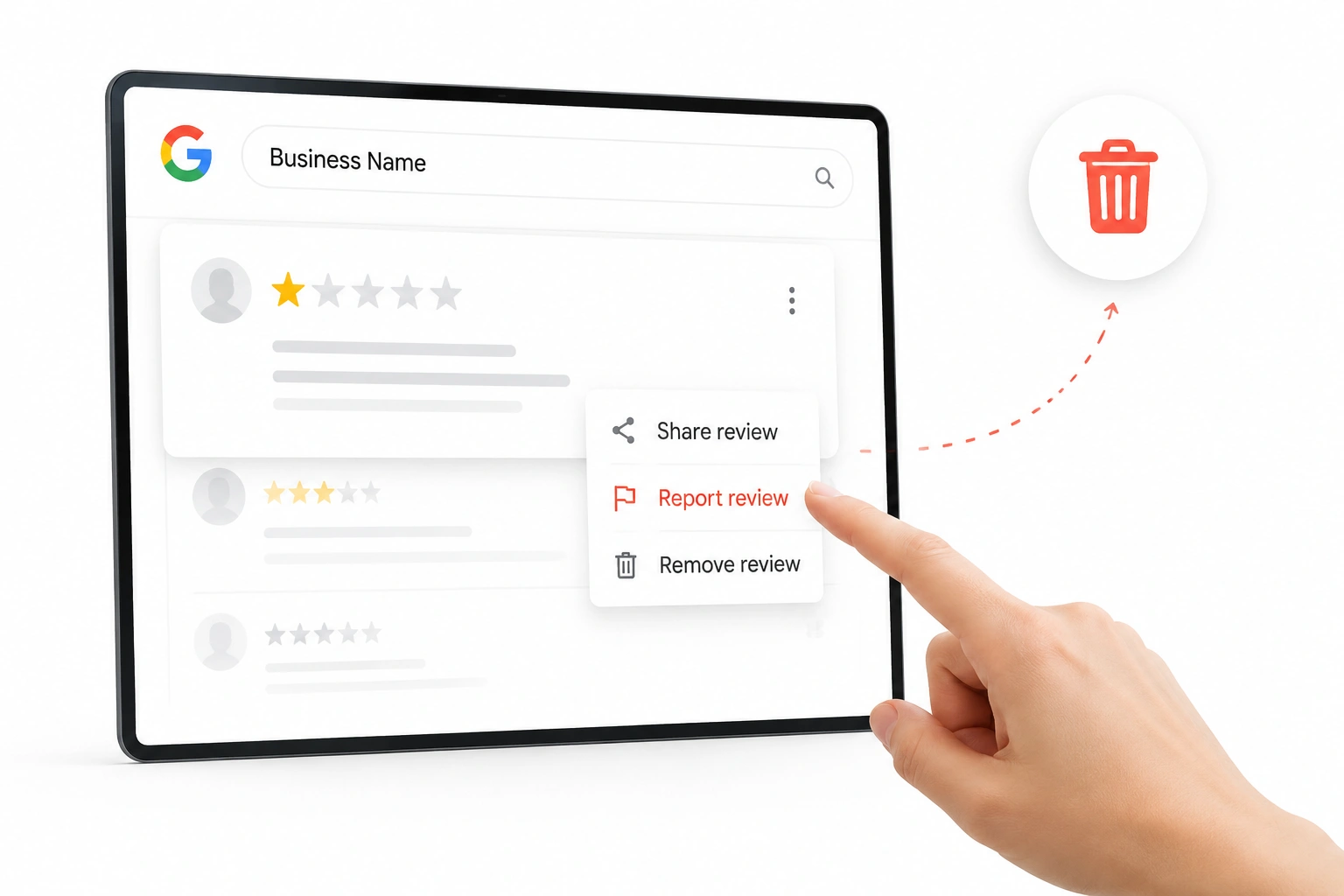
With a one-star review appearing on your Google Business Profile, the impact is immediate. Your rating drops, your listing suddenly feels less trustworthy, and potential customers start hesitating before they even click.
That is usually when business owners start searching for how to remove bad reviews from Google My Business, expecting a simple way to delete negative feedback and restore their reputation instantly.
The reality is different. Google does not allow business owners to remove reviews just because they are negative or unfair. Reviews are designed to reflect real customer experiences, and the platform keeps them visible unless they clearly violate content policies.
At Brand’s Bro, we’ve managed local SEO and reputation campaigns for more than 200 service-based businesses across industries like healthcare clinics, home services, real estate agencies, and local retail brands.
Across these accounts, we’ve consistently seen how even a single negative review can reduce click-through rates by 15 to 35%. Especially for small businesses with a limited review history.
In one example, a US-based plumbing company with a 4.1-star rating received a fake one-star review that immediately affected inbound calls. Within the first two weeks, call volume dropped by nearly 22%, even though rankings stayed stable. The issue was not SEO visibility, it was trust loss at the point of decision.
We have also seen recovery cases where businesses improved performance without removing a single review. A local cleaning service in Canada moved from a 3.9 to a 4.5 average rating in under 60 days by improving response strategies, increasing review volume, and encouraging verified customers to share feedback. During that period, their profile engagement grew by 58%.
So, when exploring how to remove bad reviews from my Google business page, the key point is understanding what is actually possible.
If a review violates Google’s policies, such as spam, fake content, harassment, or offensive language, you can report it for removal. If it reflects genuine customer feedback, even if it is negative, Google will usually keep it live.
In most cases, the real growth strategy is not removal alone. It is knowing when removal applies and when review management, response strategy, and review generation become the stronger long-term solution.
Can You Actually Delete a Google Review?
The answer is yes, but only in certain situations. You cannot remove a review simply because you disagree with it or because it lowers your rating. Google does not give business owners that level of control.
If you are looking to remove a bad review from Google My Business, there are two main options. First, the reviewer can choose to edit or delete their review after an issue has been resolved. This often happens when businesses respond quickly and professionally.
Second, you can report reviews that violate Google’s policies. Fake reviews, spam, offensive content, conflicts of interest, and irrelevant comments may qualify for removal. If Google confirms a violation, the review can be taken down.
In more complex cases, you can contact Google Business Profile support and provide evidence. While not every review will be removed, consistent positive feedback from real customers can reduce the impact of unfair reviews over time.
What Qualifies for Removal? Google’s Review Policies
Knowing Google’s review policies is key before reporting. Reviews aren’t removed simply for being negative or unfair. They’re only removed if they violate Google’s rules. Understanding this can save time and frustration.
What Google Removes vs. What It Keeps
It turns out, not all bad reviews can be taken down. You need to know which reviews Google removes and which have zero chance of being removed. Here’s the simple breakdown:
Review Type | Example | Removable? |
Spam / Fake | Bot posts, repeated reviews across sites | Yes |
Hate / Abuse | Slurs, threats, extreme profanity | Yes |
Off-topic | Reviews about the wrong business or unrelated rants | Yes |
Conflict of interest | Employee or competitor leaving biased reviews | Yes |
Illegal content | Promoting illegal or dangerous activity | Yes |
Honest negative opinion | “Food was cold” or “service was slow” | No |
Legitimate complaint | “Waited 45 minutes” | No |
Pricing criticism | “Too expensive” | No |
Google protects real opinions, even when they’re harsh. Simply disliking a review is never enough to get it removed.
A Few Rare Exceptions (Edge Cases)
An edge case (a situation that sits in a “grey area” between clearly allowed and clearly not allowed) is when a Google review is not obviously real or fake, or not clearly violating a rule.
These cases are harder because Google may need extra proof before taking action.
- Extortion or blackmail: If someone demands free products or money in exchange for a good review, that’s a violation. You’ll need clear evidence, such as messages or emails that show the threat.
- Ex-employee reviews: Reviews from former staff may be removed if you can prove employment, such as HR records, emails, or public profiles confirming their role.
- Coordinated review attacks: In many cases, businesses get targeted by mass fake reviews. If you can show proof of coordination (like social media posts encouraging spam or a sudden wave of unrelated reviewers), Google may remove them.
Changes in 2026 For Google Business Profile Reviews
Google’s systems now rely heavily on AI to detect fake reviews quickly. Obvious spam can sometimes be removed within hours. At the same time, borderline cases require stronger evidence than before. Clear violations are easier to remove. Weak or vague reports are often ignored.
In short: Follow the rules closely, document everything, and only report reviews that clearly cross the line.
How to Flag & Remove a Bad Google Review: Step-by-Step
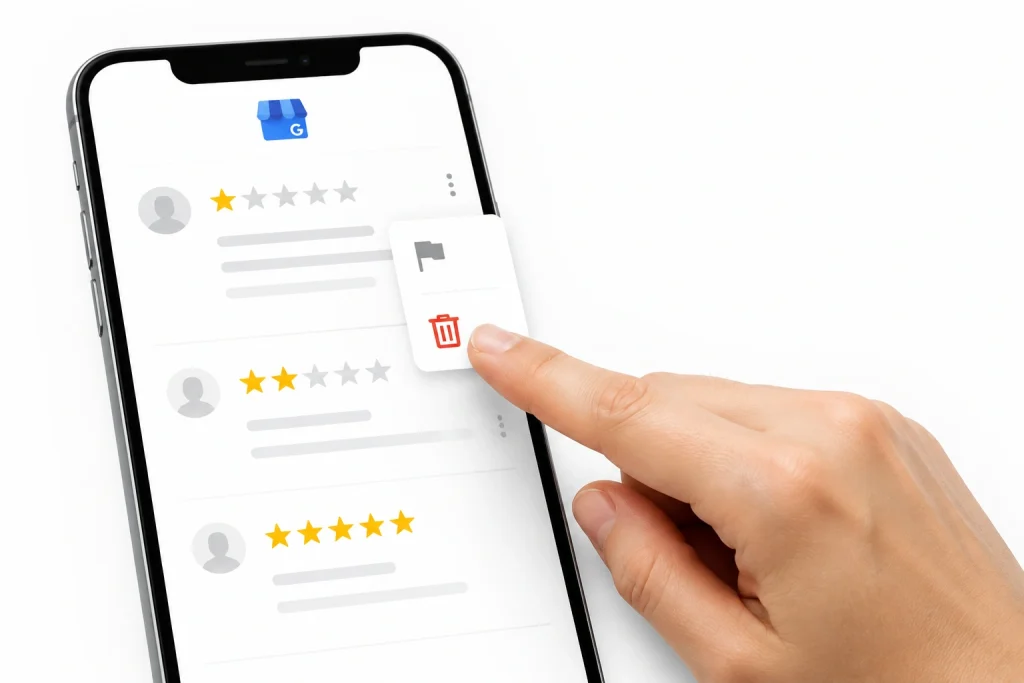
If a review appears to violate platform policies, there is a structured process you can follow to report it. Taking each step carefully and calmly helps make sure your request is properly reviewed.
The goal is simply to give Google the information it needs to assess whether the review meets removal criteria.
1. Know The Desktop vs Mobile Flagging Instructions
The steps vary slightly depending on whether you are using a computer or a mobile device. Use the table below as a guide.
Step | Desktop Instructions | Mobile Instructions |
1 | Open Google Maps or Search | Open Google Maps App |
2 | Find your Business Profile | Tap your profile picture, then “Your Business” |
3 | Click “Read Reviews” | Scroll to your reviews list |
4 | Find the relevant review | Find the relevant review |
5 | Click the three horizontal dots (⋮) | Tap the three vertical dots (⋮) |
6 | Select “Report review” | Select “Flag as inappropriate” |
7 | Choose the most appropriate violation category | Choose the most appropriate violation category |
2. Track Your Removal Request Status
After you submit a report, Google reviews it through its internal process. You can check the status at any time using the Reviews Management Tool.
Typically, you may see one of the following outcomes:
- Decision pending: Google is still reviewing the request.
- Report reviewed – no policy violation: Google did not find a policy issue, so the review remains visible.
- Removed: The review has been taken down.
3. Know When a Request Is Denied
If a review is not removed after the initial report, there are still a few additional options available. These steps are optional and depend on eligibility.
Submitting a One-Time Appeal
You can return to the Reviews Management Tool and select your business profile. Then choose “Check the status of a review I reported previously” and look for “Appeal eligible reviews.”
When writing an appeal, it helps to keep the message clear and factual. Briefly explain why the review may violate a specific policy and include any relevant supporting information.
Since only one appeal is available, it can be helpful to take a moment to guarantee everything is accurate and complete.
Using the Google Business Profile Help Community
If the appeal does not lead to a removal, you may also consider posting in the Google Business Profile Help Community. This forum is monitored by Product Experts who sometimes assist with escalating cases.
When posting, it is helpful to include:
- The Case ID
- A calm and clear description of the situation
- Any relevant supporting evidence (with private details removed or blurred)
If a Product Expert determines the case may need further review, they can escalate it internally.
Social Media Support Option
In some situations, a brief message to GoogleMyBiz on X (formerly Twitter) may help bring attention to a delayed case. If you choose to do this, keep the message simple and include the Case ID along with a short explanation. One message is usually enough.
4. Helping the Review Process Move Smoothly
Review times can vary, but a few small details may help avoid unnecessary delays. Submitting reports on weekdays, especially Tuesday through Thursday, can coincide with higher moderation activity.
It also helps to provide clear and organised evidence. Keeping relevant timestamps visible while removing sensitive personal information can make it easier for reviewers to understand the situation.
If you are referencing a specific Google policy, including the exact section can help provide additional clarity.
5. Speeding Up Google’s Review Process
Every day that the review stays up costs money. Time is the enemy. To speed things up, submit flags on Tuesday, Wednesday, or Thursday. Human moderators stay active on weekdays. And always avoid holidays.
Providing pristine evidence accelerates the process. Blur out customer names, but leave timestamps visible. Citing the exact paragraph of Google’s policy, the review breaks forces a faster look. Better evidence equals faster decisions.
Handling Specific Types of Bad Reviews
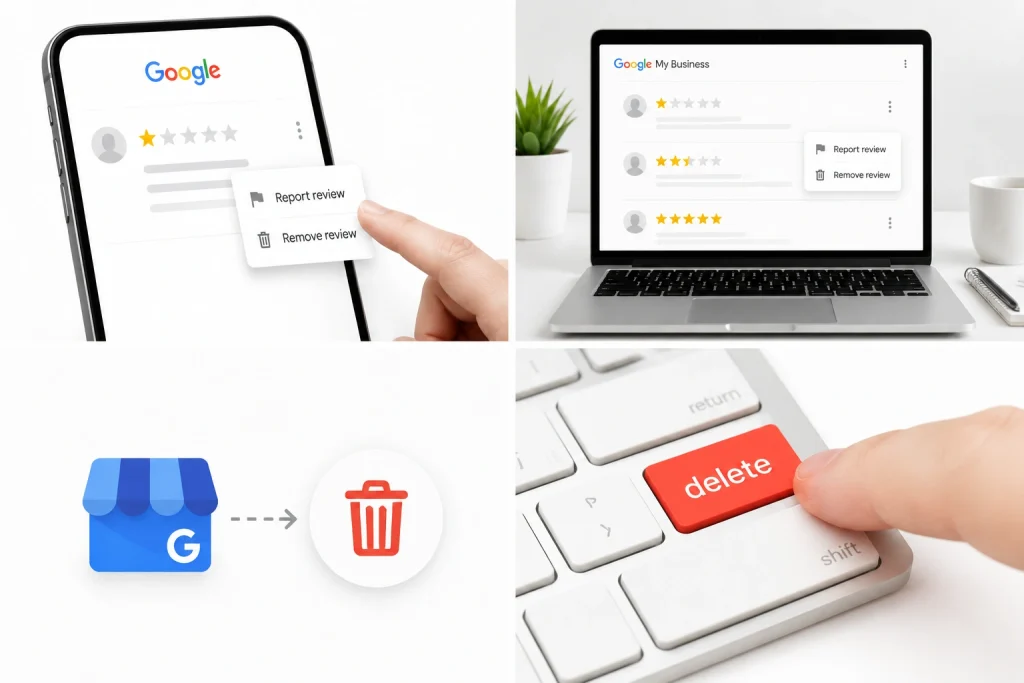
Bad reviews are not all the same. Some come from angry customers. Some come from fake accounts. Others may be part of a planned attack. Each type needs a different response.
You may need to report fake Google reviews from competitors, protect your business from review bombing, or request legal removal for a defamatory review.
Fake Google Reviews from Competitors
Fake competitor reviews can hurt your business fast. Start by looking for warning signs. The reviewer may have no profile photo. They may have reviewed only your business and a competitor. Their wording may also sound similar to your competitor’s marketing.
Next, collect proof. Take screenshots of the review, the reviewer’s profile, and any repeated wording you notice. Save everything before you report it.
Then flag the review in Google. Choose the closest reason, such as Conflict of interest or Fake engagement. Report each review one by one.
If the damage is serious, speak with a lawyer. A cease-and-desist letter may help stop the behaviour.
Protecting During a Review Bombing Attack
Review bombing happens when many fake or unfair reviews appear in a short time. This can happen after a viral post, public complaint, or social media attack. In many cases, the people leaving reviews have never visited the business.
Act fast. Screenshot the post, comment, or thread that started the attack. Then save screenshots of the reviews as they come in.
Flag each fake review manually. Avoid mass-reporting tools, since they may look like spam. You can also contact Google Support or post in the Google Help Community.
Share the link to the social media attack and explain that the reviews are not from real customers. Google may review the pattern and remove reviews that break its rules.
Getting a Defamatory Review Taken Down (Legal Removal)
Some bad reviews do more than break Google’s rules. They may include false claims that harm your business, income, or reputation. This is where defamation becomes a serious issue.
A defamatory Google review is not just rude or unfair. It includes a false statement of fact. For example:
- “The owner was rude” is an opinion.
- “The owner stole my credit card information” is a factual claim.
- If that factual claim is false, it may be defamatory.
To qualify as defamation, the review usually needs these four elements:
- A false statement of fact: The review says something untrue as if it is real.
- Public visibility: The review is published where others can see it.
- Fault: The person acted with negligence or malice.
- Harm: The review caused damage, such as lost sales or a damaged reputation.
For this type of review, normal flagging may not be enough. Google’s legal removal process is the better route. To report a defamatory review, you have to prepare:
- Your legal name
- Your business details
- The exact review URL
- Screenshots of the review
- Proof that shows the claim is false
- A clear explanation of how the review harms your business
You have to keep the report simple and direct. State what the review says, why it is false, and how it affects your business.
Google may review the request, but removal is not automatic. Platforms also have legal protections for user-generated content, so Google may not be required to remove every reported review.
For serious cases, speak with an internet defamation attorney. A lawyer can help you prepare stronger proof, send legal notices, or take further action if the review causes real business damage.
Ways to Hide Negative Reviews (If You Can’t Remove Them)
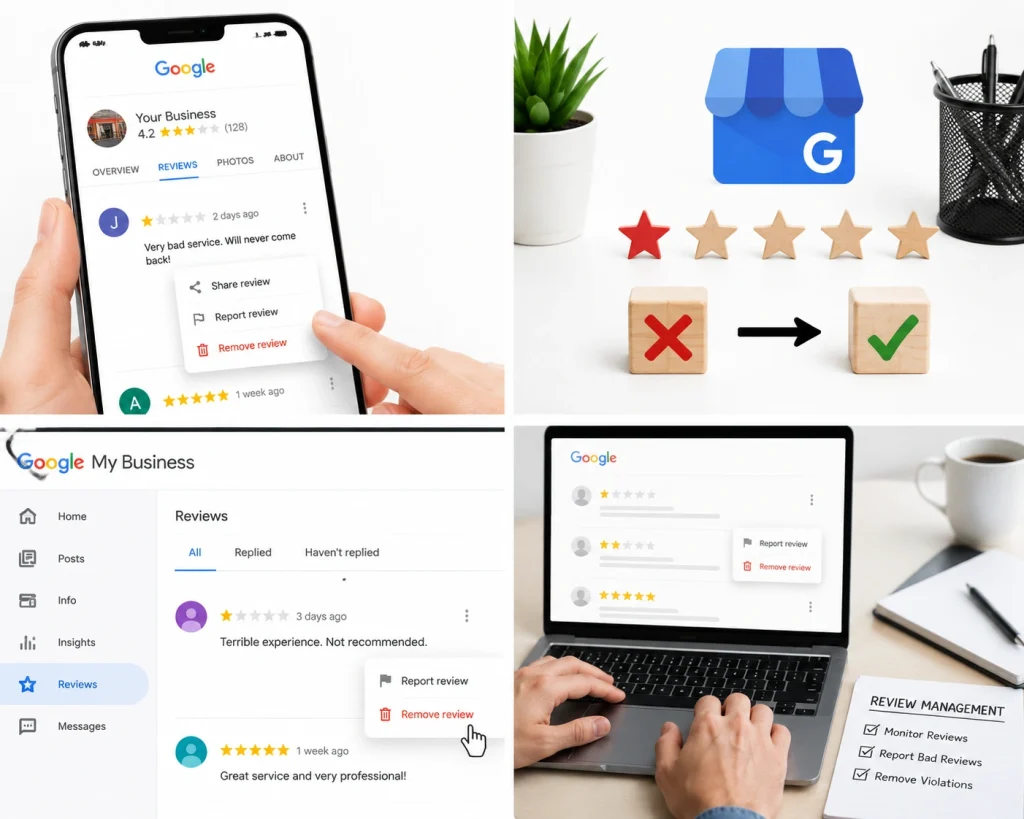
Google will not always remove a negative review. That can feel frustrating, but it does not mean the review has to control your reputation.
When removal is not possible, shift the focus to visibility. The goal is to reduce the impact of the bad review by building more positive, honest feedback around it. Here are simple ways to manage negative reviews you cannot remove.
1. Get More Positive Reviews
A single bad review matters less when your profile has plenty of strong reviews. For example, one 1-star review can look serious if you only have five reviews. But if you have fifty positive reviews, it has much less impact.
A 4.8-star rating can even look more believable than a perfect 5.0. It feels more natural because real businesses usually have a mix of feedback.
Ask happy customers for a review soon after a good experience. You can send a short text, email, or review link while the moment is still fresh.
Over time, steady positive reviews can push older negative reviews lower on the page. They also give new customers a clearer and more trusted picture of your business.
2. Respond in a Calm, Professional Way
Your reply matters. Future customers often read both the review and the business response. A calm response can soften the impact of a harsh review. It shows that your business listens, cares, and wants to fix problems.
Keep the reply short and polite. Thank the reviewer, acknowledge their concern, and invite them to contact you directly.
For example:
“Thank you for your feedback. We’re sorry your experience did not meet expectations. Please contact us at
phone/email so we can look into this and help.”
This shifts the conversation offline and shows other customers that you handle issues professionally. For a more customised approach, use Gemini to craft a better reply based on location, time, intent, and review. It works wonders.
3. Ask Customers to Leave Detailed Reviews
Short reviews like “Great service” are helpful, but detailed reviews are stronger. Ask satisfied customers to mention:
- The service they received
- The problem you solved
- The staff member who helped
- What they liked most about the experience
Detailed reviews feel more real. They also take up more space on your Google profile, which helps push shorter negative reviews farther down. They can also support local SEO when customers naturally mention your services and location.
If you want to maximise the ranking power of your profile and dominate the map pack, investing in professional local search optimization can help you turn this customer feedback into a dominant search presence.
4. Share Your Best Reviews Elsewhere
Your Google profile is not the only place customers judge your business. Use your website, social media pages, and landing pages to highlight your best reviews. Add strong testimonials to your homepage.
Share customer feedback on Facebook, Instagram, or LinkedIn. This helps shape the full story around your brand. When people search for your business, they see more than one negative review.
5. Keep New Reviews Coming In
Fresh reviews help your profile look active and trusted. Make review requests part of your normal customer process. You can use:
- QR codes on receipts
- Review links in emails
- Follow-up texts
- Table cards or printed handouts
- Staff reminders after a successful service
The key is consistency. New positive reviews can move older negative ones lower in the review feed over time.
You may not be able to remove every bad review, but you can control how your business responds, how often new reviews come in, and what future customers see first.
How To Get More Positive Google Reviews: Proactive Strategies
To maintain a strong rating, focus on three things: customer service, timely review requests, and review management. Google ratings are averages, so steady positive reviews help reduce occasional low ratings.
Tools like ChatGPT and Google Gemini help businesses communicate better, respond faster, and manage feedback. AI should support real customer service, not create fake reviews or write reviews for customers.
AI can help you:
- Write short review request emails, texts, and follow-ups
- Analyse reviews and feedback to find common issues
- Send review requests after purchases or services
- Draft polite replies to positive and negative reviews
- Identify unhappy customers early through feedback
To get more reviews, keep the process simple:
- Send your Google review link by SMS or email after a good experience
- Use QR codes on receipts, counters, packaging, or cards
Ask at the right time, such as after a successful service or purchase. Respond to reviews: thank positive feedback, reply calmly to negative reviews, and report spam or fake reviews using Google tools.
How to Know If Your Strategy Is Working (Monitoring & Measurement)
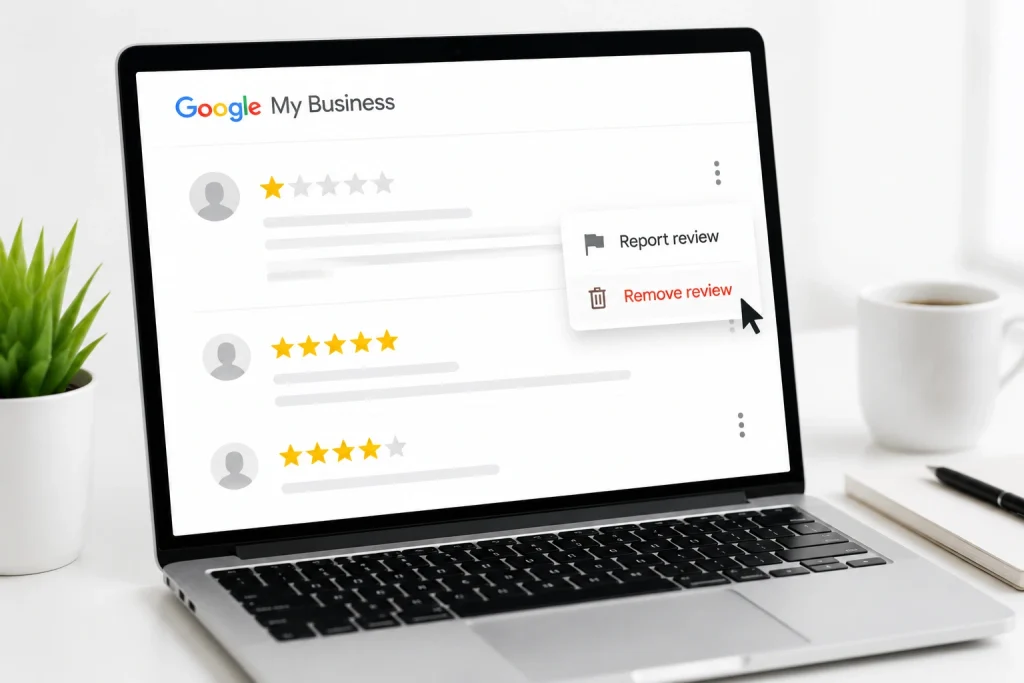
A review removal strategy should not be based on hope. You need to track what changed after you reported the review, replied to customers, or started asking for more feedback.
Good monitoring shows whether your actions are helping your rating, hurting your profile, or making no real difference.
It also helps you decide when to keep pushing for removal and when to shift toward damage control. Track the results with these simple checks:
- Check the review status: Use the Google Reviews Management Tool after reporting a review. Look for updates like pending, escalated, removed, or denied.
- Review your public profile: Search your business on Google Search or Google Maps in an Incognito window. This shows what customers actually see.
- Watch the review count: If your review count drops, the reported review was likely removed.
- Track your star rating: Monitor your rating over time. A better rating means your removal and review generation strategy is working.
- Look at review growth: If Google does not remove a bad review, new honest positive reviews can reduce its impact.
- Avoid over-flagging: Only report reviews that clearly break Google’s rules. Do not flag every negative review just because it is bad.
- Focus on the bigger picture: Remove Google reviews that violate policy, respond professionally, and keep earning real positive feedback.
Frequently Asked Questions (FAQs)
Bad reviews can hurt fast. This quick FAQ answers the most urgent questions about removing bad reviews from Google Business Profile, so you can act sooner and protect your reputation.
Can I delete a Google review from my Business Profile?
No. Business owners cannot delete reviews themselves. Only the reviewer or Google can remove them. You can flag the review if it breaks Google’s rules. If Google denies the request, you can submit an appeal.
How long does Google take to remove a flagged review?
Google often reviews flagged reviews within 24 hours to 7 days. If you submit an appeal, it may take up to 5 more business days. Legal requests, such as defamation reports, can take several weeks.
Can I remove a Google review from a non-customer?
Yes, but only in certain cases. You need to show that the review came from an ex-employee, involved threats, or was part of review bombing. Strong proof, such as screenshots, can help your case.
Is it legal to pay someone to remove bad Google reviews?
No. Paying someone to delete reviews or offering customers rewards to change or remove bad reviews can break Google’s rules. It may also put your Business Profile at risk.
What’s the difference between a negative review and a defamatory one?
A negative review is usually an opinion, such as “the service was slow.” A defamatory review makes a false claim of fact, such as “the owner stole my credit card.” The claim must be false and harmful.
Should I respond to a review I’m also trying to remove?
Yes. A calm response shows future customers that you take feedback seriously. Do not mention your removal request in public. Keep the reply polite and ask the customer to contact you directly.
Can I sue someone for a bad Google review?
Yes, if the review is false and has caused real harm. But lawsuits can cost a lot and take time. Speak with an internet defamation attorney before taking legal action.
Ready to Refresh Your GMB Reviews & Start Better
Your online reputation is not about erasing the past. It is about showing customers who you are today. One negative review, even an unfair one, does not define your business. What matters is how you respond and move forward.
Many business owners search for how to remove bad reviews from Google My Business after seeing a damaging comment online. The first step is to identify reviews that violate Google’s policies and report them. If the review is legitimate, respond professionally and work toward a resolution.
At the same time, encourage satisfied customers to leave honest feedback. Positive reviews help build trust and provide a more balanced view of your business.
A strong reputation takes time to build. Stay proactive, protect customer trust, and focus on delivering great experiences every day.
