
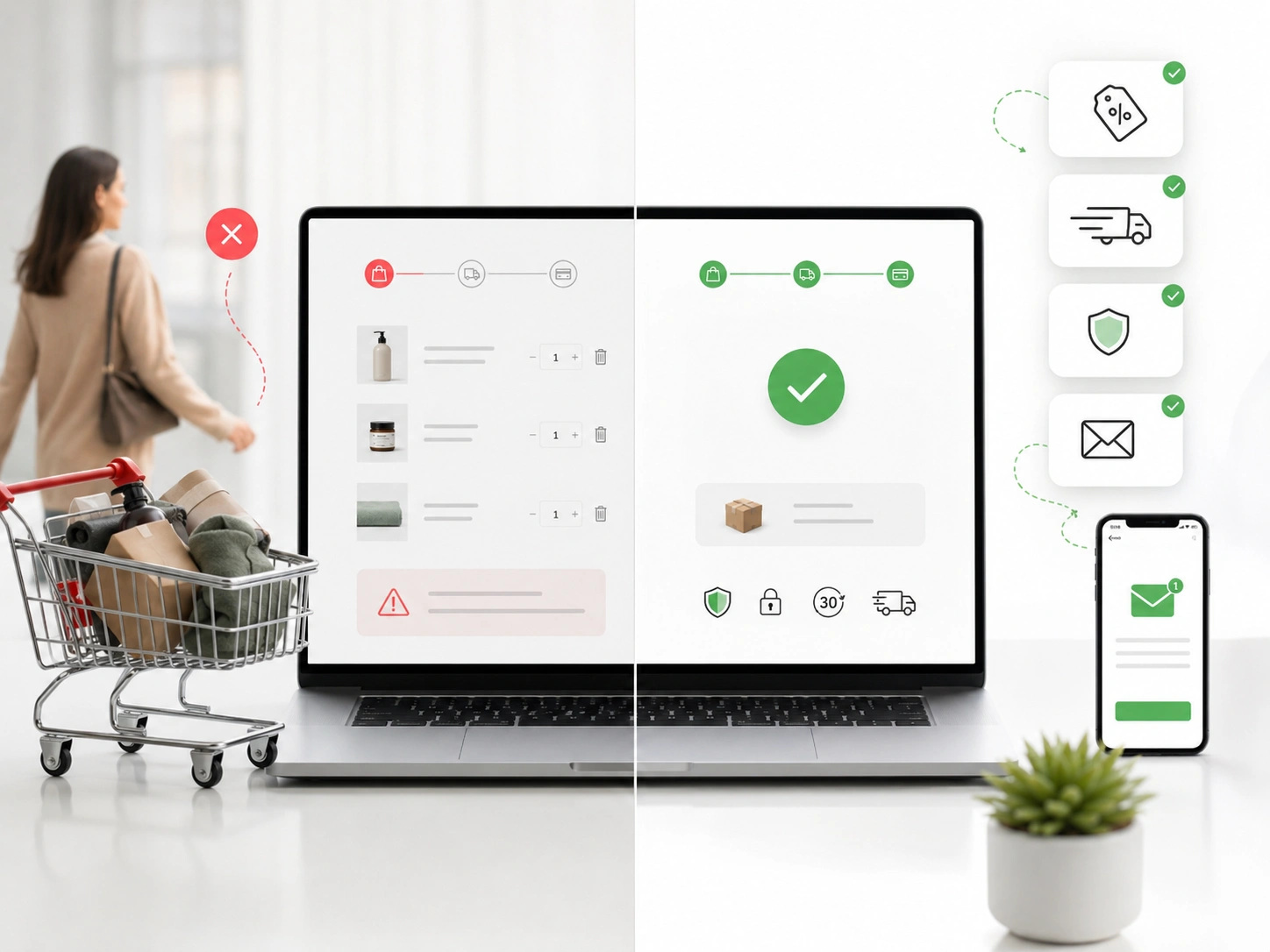
A shopper adds a $58 hoodie to the cart. They see a $14 shipping fee at checkout. The tab closes, and that sale is gone.
This plays out on Shopify stores every hour of every day. The Baymard Institute puts the average cart abandonment rate near 70 percent. Seven out of ten shoppers who add to cart never buy.
Most abandonment traces back to fixable causes. Price shock, weak trust signals, mobile friction, and payment failures account for most lost sales. Each cause has a specific fix inside Shopify.
This guide covers Shopify cart abandonment problems and fixes for store owners across the USA. It shows how to find the drop-off point and fix the root cause. Seven fixes below map to the biggest ecommerce cart abandonment drivers.
What Shopify Cart Abandonment Actually Means
Shopify cart abandonment happens when a shopper adds items but leaves before paying. Shopify defines an abandoned checkout as an incomplete checkout after the customer provides their email information. That checkout is marked abandoned once it stays incomplete for more than 10 minutes.
Every store hits the Shopify abandoned cart problem at some point. The difference between cart abandonment and checkout abandonment matters for diagnosis. Cart abandonment covers shoppers who add to cart but never reach checkout.
Checkout abandonment covers those who start checkout but leave before payment. Both problems appear in your Shopify behavior reports. The biggest drop between two funnel steps tells you where to focus.
Why Shopify Cart Abandonment Rates Stay High
Cart abandonment rates stay high because online shopping removes the commitment of a store visit. Shoppers browse, compare, and add items without any intent to buy right away. Price checking and research account for a large share of abandoned sessions.
The rest comes from the friction the store creates. Unexpected shipping costs at checkout drive the biggest share of abandonment. Baymard research finds that extra fees cause about 48 percent of abandonment.
Forced account creation and slow delivery time push shoppers away from checkout. Weak trust signals and payment failure add to the same problem. These are the core Shopify cart abandonment problems most stores face.
How to Diagnose Your Shopify Cart Drop-Off
Diagnosing the drop-off starts with your Shopify behavior reports. The conversion rate breakdown shows the percentage change between each funnel step. A large gap between cart and checkout points to a cart page problem.
Every Shopify abandoned checkout page shows payment events for each lost sale. Payment events reveal card-declined errors and failed 3-D Secure checks. Gift card issues and inventory problems also show up in that log.
Funnel Step | Metric to Check | Common Cause |
Sessions to cart | Add-to-cart rate | Weak product page, unclear pricing |
Cart to checkout | Cart-to-checkout rate | Shipping surprise, mobile friction |
Checkout to purchase | Checkout conversion rate | Payment failure, form friction |
Any step | Recovery status | Missing email flow |
The table maps each drop-off to its most common cause. Start with the step showing the largest percentage loss. Fixing the biggest leak first gives the fastest return.
The 7 Fixes That Solve Shopify Cart Abandonment
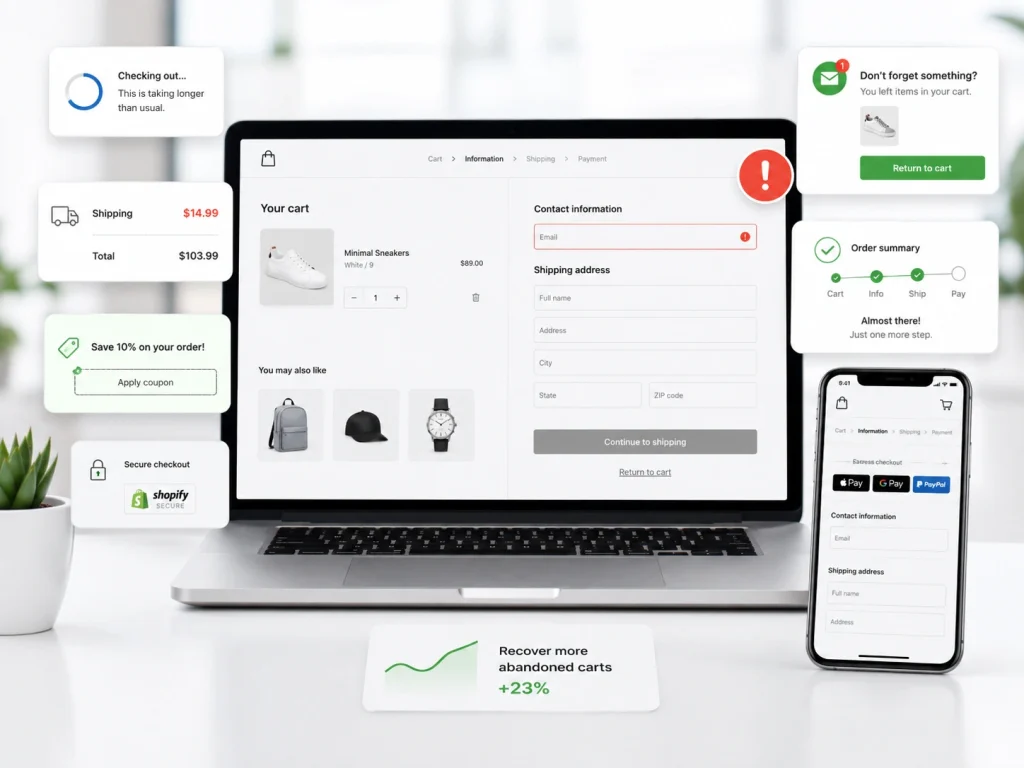
These seven fixes target the most common causes of Shopify cart abandonment and Shopify checkout abandonment. Each one addresses a specific point in the funnel. Starting with the most critical fix gives you the biggest impact first.
Not every store needs all seven. Most stores need at least four of these fixes. Together, they reduce ecommerce cart abandonment across the full checkout funnel.
Fix 1: Show All Costs Before Checkout Starts
Hidden shipping costs cause about half of all abandoned sessions. A shopper who sees $14 added at the last step feels misled. That gap in price transparency is the top driver of Shopify checkout abandonment.
Shipping costs should appear on the product page and cart page, not just at checkout. A free shipping threshold with a progress bar turns friction into an upsell. This one change often lifts the checkout rate by five to ten percent.
Shopify shipping rates are set in Settings > Shipping and delivery. Backup shipping rates let customers finish checkout when carrier-calculated rates fail. A clear delivery promise on the cart page sets expectations and prevents surprise at checkout.
Fix 2: Enable Guest Checkout and Express Payment
Forced account creation is one of the top reasons Shopify customers stop checking out. A shopper who wants to buy fast will leave before creating an account. A guest checkout option removes that barrier at no cost.
Shop Pay speeds checkout for customers who have already saved their details. Shopify says it can lead to higher conversion rates and improved customer satisfaction. Merchants can turn it on after enabling Shopify Payments.
Express payment methods like PayPal, Apple Pay, and Google Pay each capture more buyers. ‘’Buy now, pay later’’ options like Klarna handle sticker shock on higher-priced items. Each payment method you add catches a slice of shoppers who would otherwise leave.
Fix 3: Fix Mobile Checkout Friction
Mobile checkout optimization is often the fastest win on stores with heavy mobile traffic. Mobile commerce drives the majority of ecommerce traffic worldwide. A broken form field or a slow page on mobile kills a sale before it starts.
You need to test your store on a real phone, not just a desktop preview. Checkout drop-off often hides inside a form field that looks fine on desktop. Any friction you feel as a shopper turns into lost sales at scale.
Page speed matters as much as layout on mobile. A cart or checkout page that loads in over three seconds loses shoppers. Shopify’s performance tools flag heavy images and slow apps that drag mobile checkout down.
Fix 4: Add Trust Signals to the Cart and Checkout
Checkout trust signals reduce buyer hesitation in the final seconds before purchase. Trust badges and product reviews cut friction right before payment. A cart page without these feels risky to a first-time buyer.
The best placements sit right beside the checkout button. A short return policy line and a money-back guarantee icon turn hesitation into action. Real reviews below the cart summary carry more weight than any generic trust badge.
Live chat access adds one more layer of confidence near checkout. A shopper who sees a chat icon knows help exists if something goes wrong. That presence saves sales that would otherwise disappear silently.
Fix 5: Prevent Payment Failures and Card Declines
Payment failure is an invisible cause of many lost Shopify checkouts. A card declined error or a failed 3-D Secure check kills a sale at the final step. The Shopify payment events log shows how many checkouts failed due to technical issues.
Payment events need a weekly review to spot patterns fast. Many card declines point to risk review settings that are too tight. Rising 3-D Secure failures mean shoppers cannot pass their bank’s verification step.
Adding multiple payment methods reduces the impact of any single payment gateway failing. A shopper whose Visa is declined can switch to PayPal or Shop Pay if you offer both. Redundancy across payment options catches sales that a single processor would lose.
Fix 6: Set Up a Shopify Abandoned Cart Email Flow
A Shopify cart email flow is the highest-ROI recovery tool for abandoned checkouts. Well-tuned abandoned checkout emails recover between 5 and 15 percent of abandoned checkouts. That range is revenue you already earned and almost lost.
Shopify emails customers a checkout link when a cart stays abandoned for over 10 minutes. Teams that want more depth run Klaviyo marketing flows for a multi-step sequence with segmentation. This setup outperforms the default Shopify cart recovery by two to three times on most stores.
The standard sequence sends three emails. The first goes out one hour after abandonment. The third arrives 72 hours later with a discount code or free shipping to close the sale.
Fix 7: Add SMS and Retargeting Ads to Recover the Rest
SMS recovery reaches shoppers who never open email. A single SMS sent 30 minutes after abandonment recovers sales that an email would miss. Cart recovery automation links all three channels into one triggered flow.
Retargeting ads on social media and Google catch shoppers who left without an email. Dynamic product ads show the exact item left behind. A remarketing audience built from Shopify cart events targets the right shoppers at the right time.
Email and SMS paired with retargeting cover every recovery angle. Each channel catches a different segment of the abandoned audience. Together, they recover abandoned checkouts far more than any single channel alone.
How Brand's Bro Fixes Shopify Cart Abandonment
One home goods client had a checkout conversion rate below 40 percent. Our Shopify CRO audit found three specific funnel leaks driving the loss. Within 90 days, checkout conversion rose to 61 percent.
The gains came from targeted changes in the funnel. We fixed the cart page design and placed trust signals beside the checkout button. Each fix addressed one leak and produced a measurable result.
Some fixes needed custom code beyond standard Shopify settings. Our Shopify development team rebuilt the checkout flow with address autocomplete and a free shipping bar. Those two changes cut checkout form friction and raised average order value at the same time.
We apply the same process for fashion brands and supplement stores across the USA. If your checkout rate sits below 50 percent, a structured audit finds the exact cause. Book a session below to get started.
How to Build a Shopify Abandoned Cart Email Sequence
A strong abandoned cart email sequence follows a set timing and content pattern. The first email lands within one hour while purchase intent stays high. The second and third emails give the shopper room to reconsider.
- Email 1 at 1 hour – a friendly reminder with cart contents and a checkout link.
- Email 2 at 24 hours – social proof with product reviews or customer photos.
- Email 3 at 72 hours – a discount code or free shipping offer as a final push.
- Optional Email 4 at 5 days – a final urgency message with a limited-time offer.
Each email needs a single clear call to action and a mobile-friendly design. The subject line drives open rates. Running a few subject line tests per email is standard practice.
Klaviyo and Shopify Flow can both run this Shopify cart email flow. The deeper option is Klaviyo, which offers A/B testing and segmentation for larger stores. Shopify Email covers the basics for smaller stores at a lower cost.
Shopify Cart Page Design Changes That Cut Abandonment
Shopify cart page design plays a bigger role in checkout conversion than most owners realize. A cluttered cart page with no trust signals drops shoppers before they reach checkout. Cart page optimization is often the highest-leverage change you can make.
A converting cart page needs a clear order summary and a shipping estimate. Visible button placement and trust badges round out the key page elements. Clean checkout UX and good checkout design lift cart-to-checkout rates on any store.
Cart Element | Purpose | Common Mistake |
Order summary | Confirm items and price | Hidden or unclear totals |
Shipping estimate | Set expectations | Costs revealed only at checkout |
Trust badges | Reduce hesitation | Generic badges with no meaning |
Checkout button | Primary action | Weak color or hidden placement |
Cross-sells | Raise cart value | Overwhelming the main path |
Fixing even two of these rows often lifts the cart-to-checkout rate within weeks. The checkout button and the shipping estimate are the two highest-impact fixes. Consistent Shopify cart optimization separates a growing store from a stuck one.
Common Shopify Cart Recovery Mistakes to Avoid
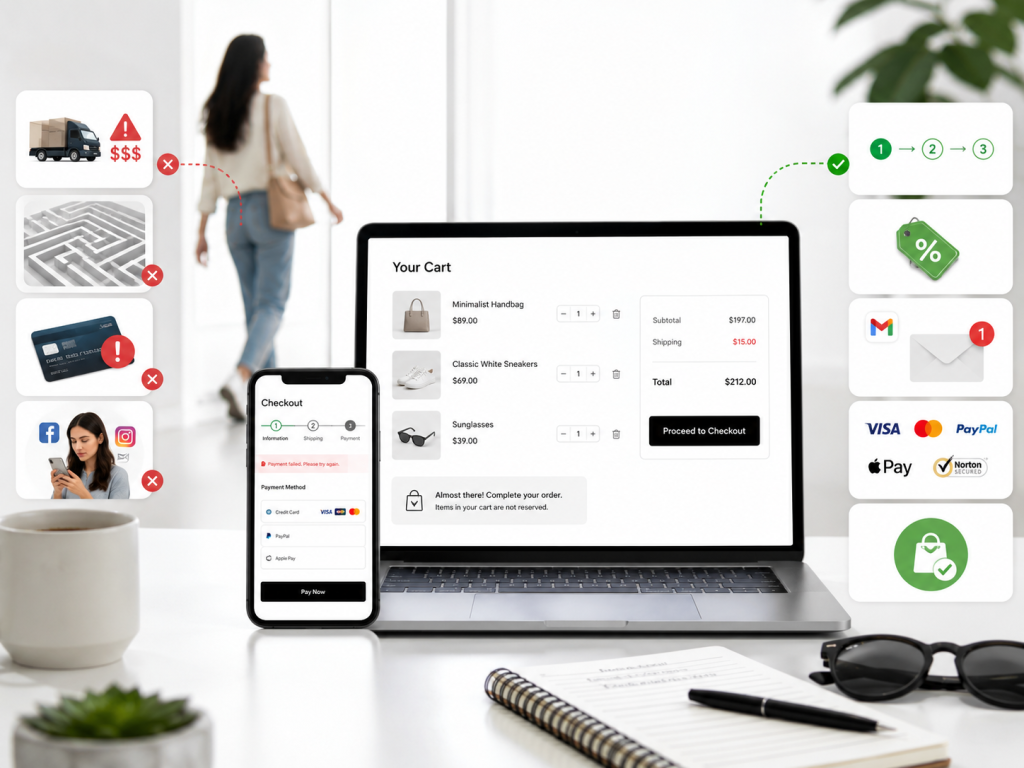
A few common mistakes weaken cart recovery and cost stores real revenue. Each mistake maps to a specific fix. Knowing them makes them easy to avoid.
- Sending only one recovery email instead of a full sequence.
- Waiting too long before the first email lands.
- Using a generic subject line that gets ignored.
- Offering a large discount in the first email and training shoppers to abandon.
- Ignoring mobile design inside email templates.
The most costly mistake is training shoppers to abandon for a reward. A discount in the first email tells repeat shoppers to add and leave every time. Discounts belong in the third email, while the first two focus on social proof and service.
Organic traffic from strong Shopify SEO lowers your dependence on paid ads for funnel traffic. Paid and organic sources convert at similar rates on most stores. A broader traffic base spreads the abandonment risk across more sources.
How to Track Recovery Rate and Checkout Conversion
These two numbers show whether your Shopify cart abandonment fixes are working. Recovery rate measures the percentage of abandoned checkouts that came back to complete a purchase. The checkout conversion rate measures the percentage of checkout sessions that finished payment.
Shopify Analytics tracks both inside the built-in dashboard. Behavior reports show the conversion rate breakdown across the full funnel. Both numbers need a weekly review to catch trends before they become revenue problems.
A well-optimized Shopify store shows a checkout conversion rate above 60 percent. Recovery rate on abandoned checkouts should sit between 5 and 15 percent with a solid email flow. Numbers below these benchmarks point to a specific funnel problem worth diagnosing.
Frequently Asked Questions (FAQs)
Shopify store owners ask common questions about cart abandonment and recovery. Here are direct answers to the ones that come up most often.
What is a normal Shopify cart abandonment rate?
The average across ecommerce sits near 70 percent. A well-optimized store can push that below 60 percent.
How does Shopify define an abandoned checkout?
Shopify defines a Shopify abandoned checkout as an incomplete checkout where the customer gave an email but did not complete payment. The checkout is considered abandoned once it stays incomplete for more than 10 minutes.
How do I recover an abandoned checkout on Shopify?
Shopify emails customers a checkout link when a cart sits abandoned for over 10 minutes. A Klaviyo or Shopify Flow sequence recovers more than the default Shopify email on most stores.
Should I offer a discount in abandoned cart emails?
Discounts belong in the third email, not the first. A discount in the first email trains shoppers to abandon on purpose every time.
Why are my Shopify customers not checking out?
Surprise shipping costs and forced account creation are the most common causes. Payment failure and weak trust signals also drive shoppers away from checkout.
What is a good Shopify checkout conversion rate?
A well-optimized Shopify store hits above 60 percent checkout conversion. Any rate below 50 percent points to a specific friction problem in the funnel.
How long does abandoned cart recovery take to show results?
A three-email recovery flow starts recovering checkouts within the first week of setup. Full results from fixing funnel causes show up within 30 to 60 days.
Fix the Cause First, Then Recover the Rest
Shopify cart abandonment problems and fixes come down to two moves in the right order. The first is fixing the causes of abandonment before checkout. The second is recovering the shoppers who still leave after those fixes.
Showing all costs up front and enabling guest checkout are the top two fixes. Fixing mobile friction and adding trust signals come next in priority. A full email flow and SMS recovery complete the plan.
The biggest leak in your funnel is the highest-priority fix. Diagnosing that leak with behavior reports turns cart abandonment into a solvable problem. Working down the list from there solves the biggest leaks first.
