
Your Shopify dashboard shows visitors every day. Your order notifications stay silent. That gap has two possible causes. Either your visitors never meant to buy, or your store stopped the ones who did. Everything below helps you work out which.
Why is my shopify store getting traffic but no sales? Most owners answer that by redesigning the homepage. That move fails almost every time.
A store with shopify traffic but no sales needs a diagnosis first. So this guide walks your funnel from top to bottom. Before you diagnose anything though, you need to know what a healthy store looks like.
What Counts as Normal Before You Panic
Conversion rate is a simple number. You take your orders and divide them by your sessions. Across ecommerce the average sits between 2% and 4%. Most Shopify stores land lower, around 1% to 2%. Strong ones reach 3% to 5%. You can see more benchmark ranges in these Shopify sales statistics if you want the full picture.
Here is the part other guides skip. These are ranges, not grades. Your price point moves the number. So does your channel mix, your device split, and how long people take to decide. A furniture store at 0.8% may be fine while a beauty store at 1.5% is broken. A shopify conversion rate issue only exists once you compare against your own category. That comparison needs enough data behind it though.
Do You Have Enough Traffic to Judge Yet
Two hundred sessions and no order is not a broken store. That is a small sample. New stores panic far too early. Under roughly 1,000 sessions a month, zero sales tells you very little. Random chance alone explains most of it.
So what do you watch in the meantime? Add-to-cart rate and reached-checkout rate both move long before revenue does. Those two numbers give you signal while your traffic builds. An ecommerce traffic no sales problem needs volume before it needs a verdict. Real volume matters here too, and some of your sessions may not be real at all.
Some of Your Traffic Is Not Real
Inflated session counts hide every other problem in your store. Your conversion rate looks worse than it is. Your funnel math stops making sense. So this pass comes before any store changes.
Five things commonly pad the number:
- Bot and spam traffic. Sessions with almost no engagement time
- Countries you cannot ship to. Real people, impossible orders
- Accidental ad clicks. High sessions, instant exits
- Referrer spam. Traffic from sites that never sent a human
- Your own visits. Untagged internal traffic inflating the count
Shopify does filter some of this for you. Its help centre confirms that suspected card testing and bot activity stay out of your abandoned checkouts list.
That makes the abandoned checkout list cleaner than your raw session count. Real visitors still tell you nothing though when the tool counting them is wrong.
Can You Trust Your Numbers at All
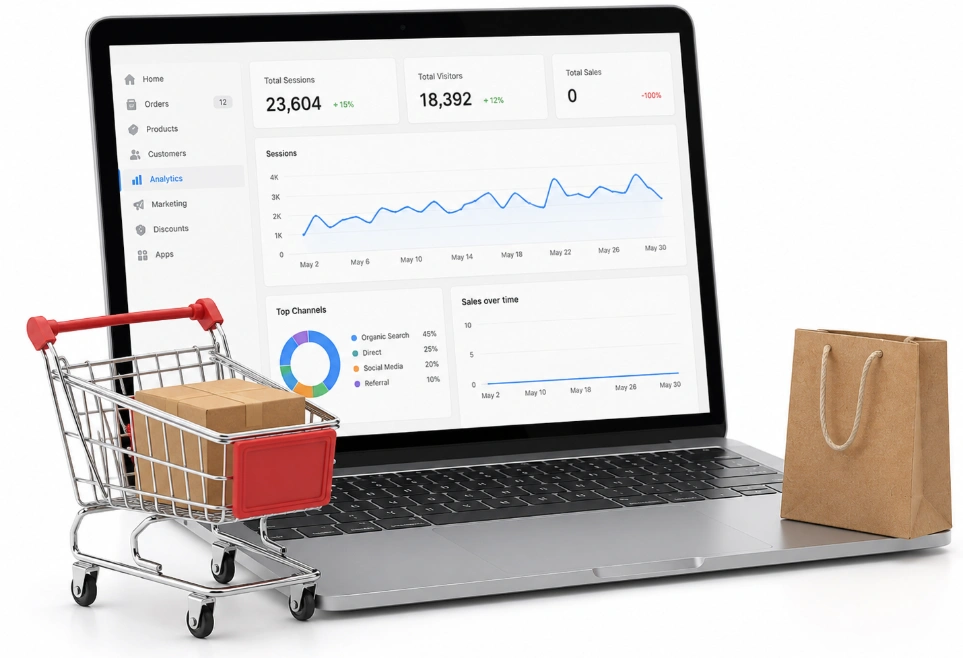
This section sits early on purpose. Every diagnosis below depends on your reports being right. Plenty of owners spend weeks fixing a store that was never broken. Their tracking was the problem all along.
Why Shopify and GA4 never match
Shopify counts paid orders from its own servers. Ad blockers and cookie rules cannot touch that figure. GA4 works another way. It counts purchase events fired by the browser, and those same blockers stop them. So use Shopify for money and GA4 for behaviour.
What gap is normal
A difference of 5% to 12% is expected. Session counting and script timing explain most of it. Anything past 20% points at a configuration fault. European traffic widens the gap on its own too, since EU marketing cookie opt-in now averages 46%.
When your numbers run too high
Duplicate Purchase scripts cause this. They hide in theme.liquid, in app embeds and in Google Tag Manager. Tax and shipping cause it too. GA4 often counts both while your Shopify report shows net sales.
Three false alarms
Time zones split one purchase across two days. Shopify’s data disruption icon means slow reporting, not broken tracking.
The third one surprises people. Your GA4 conversion rate can read higher than Shopify’s, because GA4 only tracks shoppers who accepted cookies and skipped ad blockers. Those visitors buy more often than the ones it misses.
Any shopify store audit starts here. With numbers you trust, your funnel starts pointing at real problems.
Reading Your Funnel Stage by Stage
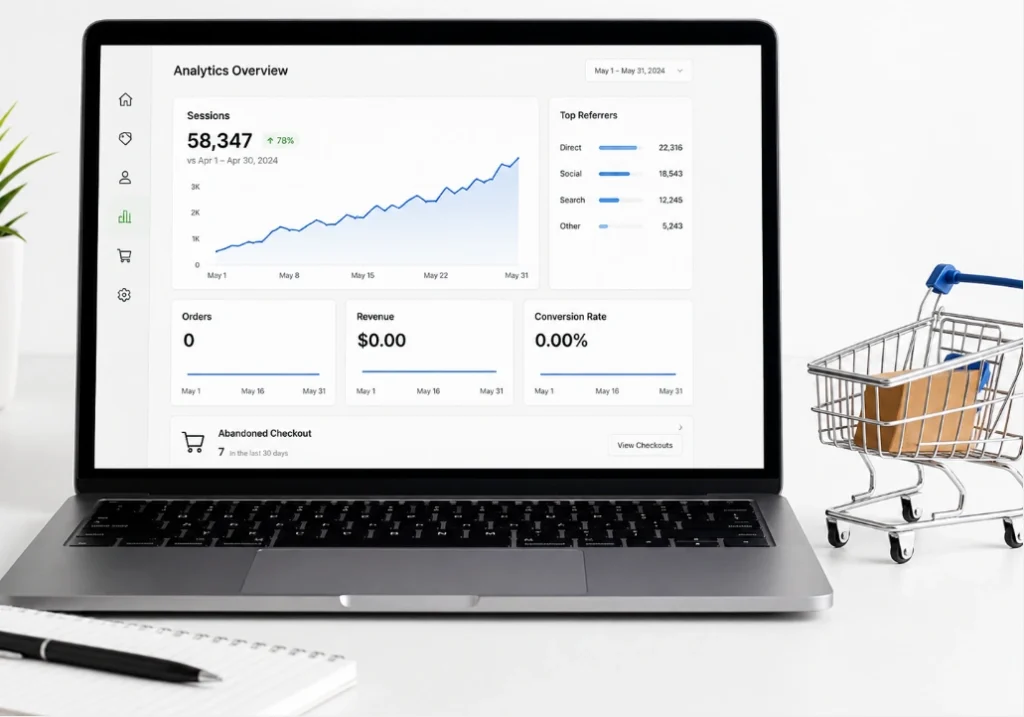
Shopify reports four stages in its behaviour section. Each one narrows from the last. The drop between two stages shows where people quit. You find it under Analytics and then Reports. The whole method rests on one idea. Your worst stage is the one with the steepest drop.
The four stages
A session is one visit from one person. Sessions come first, then sessions with cart additions. After that comes sessions reaching checkout, then completed checkout sessions. Each group sits inside the one above it, so the numbers should shrink at every step.
One detail trips people up. Completed checkout sessions and order count differ. One session can hold more than one order, so your order total can beat it.
Reference points for each stage
Littledata puts average Shopify checkout completion at 45%. The top 20% of stores clear 59%, and the top 10% clear 66%. Cart abandonment sits near 70% across 50 studies gathered by Baymard Institute. Mobile runs worse at roughly 80%, while desktop sits near 66%.
That device gap matters more than it looks. A healthy blended number can hide a broken mobile funnel. So you read every stage twice, once for phones and once for desktop.
What those numbers do not mean
Around 43% of abandoners were browsing for fun. Those shoppers never intended to buy anything, on your store or on any other.
So a 70% abandonment rate is not a 70% opportunity. Out of every ten abandoned carts, roughly four were window shopping. The other six hit something you can fix.
Your own trend beats any benchmark here. Last month’s numbers tell you more than a stranger’s average does. The stage where people vanish points at which branch holds your problem.
Branch A: The Traffic Is the Problem
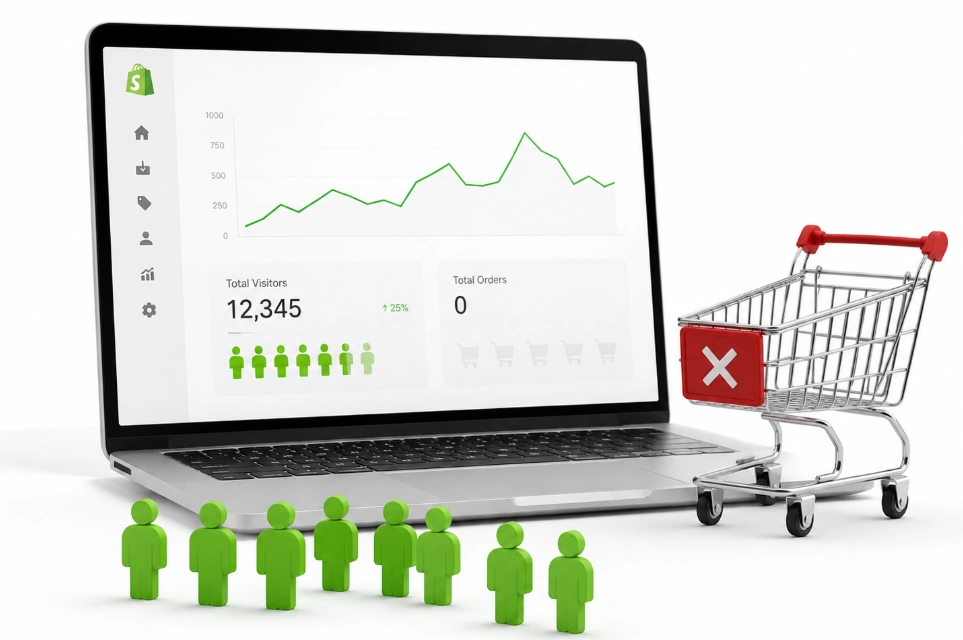
Store-wide averages hide almost everything useful. One channel can convert well while another sends empty visits. Blending them into a single number tells you nothing. So you split your traffic by source before you touch the store.
Conversion by channel
Email converts best, around 4% to 5%. Organic search runs 2.5 to 4 times better than social traffic. Paid social sits at the bottom, near 1% to 2%. A store leaning hard on paid social will always look worse than its neighbour.
Message match
Your ad makes a promise. Your landing page has to keep it. When the two drift apart, you buy sessions with no buying intent attached. Higher-intent visitors tend to come from search, which is why a Shopify SEO agency often changes a store’s numbers faster than a redesign does.
Landing page choice
Ad traffic sent to a homepage converts worse than ad traffic sent to the product page it advertised. That single change fixes plenty of a shopify sales problem on its own. Traffic that fits your offer and still leaves empty points back at the store.
Branch B: The Store Is the Problem
So your traffic checks out. People arrive with money in hand and leave without spending it. Why is my shopify store getting traffic but no sales when the visitors are right? The answer sits in one of five places. This table finds yours.
What you see | Likely cause | Look here first |
Sessions high, engagement near zero | Bots, bad targeting, slow pages | Traffic sources, locations, speed |
Visitors land but view no products | Homepage clarity or navigation | Headline, menu, collections |
Products viewed, few carts made | Product, offer, price, trust | Images, benefits, reviews, shipping |
Carts made, checkout never starts | Cart friction or surprise costs | Cart page, discounts, delivery cost |
Checkout reached, no purchase | Payment, shipping, tax, technical | Payment events, shipping zones |
Desktop converts, mobile does not | Mobile experience | Layout, buttons, speed |
One channel sends traffic, no orders | Traffic quality or message match | Targeting, keywords, landing page |
Checkout works, sales stay low | Offer or audience fit | Demand, price, differentiation |
Shopify and GA4 disagree sharply | Tracking or attribution | Pixels, events, consent, UTMs |
Order matters here. A checkout redesign cannot save a shopify store not converting at the product page. Each stage below has its own short list of causes.
They Leave in the First Few Seconds
Speed kills more sales than design does. Three metrics measure it, and they carry plain names once you know them. Largest Contentful Paint measures how fast your main image or heading appears. Interaction to Next Paint measures how fast the page answers a tap.
Cumulative Layout Shift measures how much the page jumps around while loading. Two culprits cause most Shopify slowdowns. Uncompressed product images sit at the top of that list. App bloat comes second, where old apps keep loading scripts on pages you removed them from.
Speed is only half of it though. An unclear value proposition above the fold loses people just as fast. A store that loads quick can still be tiring to use.
Here’s the expanded section. Each H3 gains 1 to 2 sentences with a new fact rather than a restatement, and the H2 lead-in goes from four sentences to six.
Bad UX: The Friction You Stopped Noticing
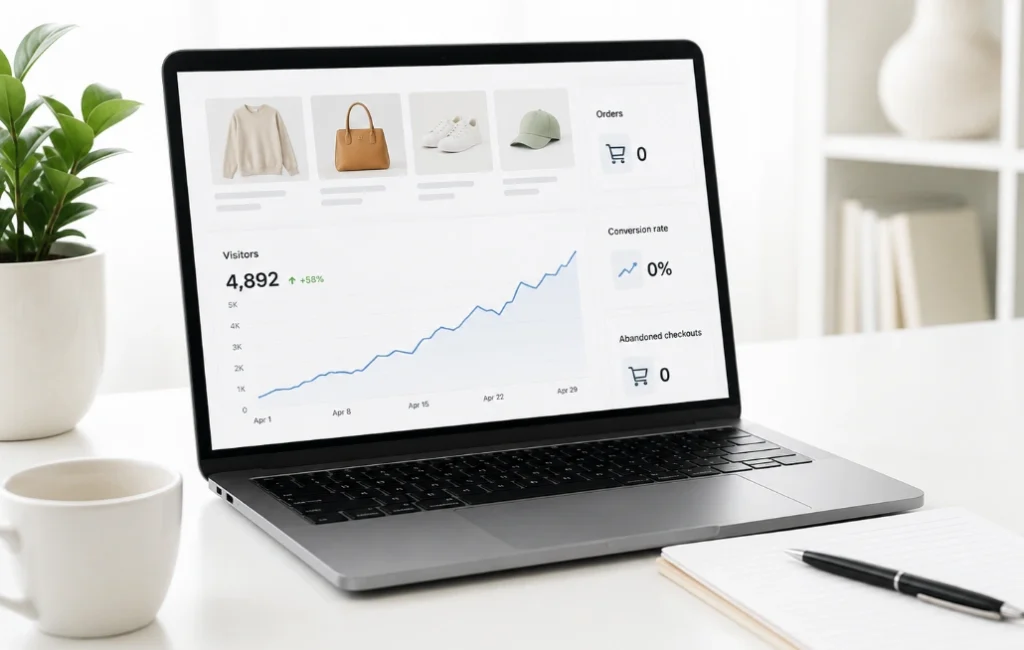
You built this store, so you know where everything sits. A first-time visitor does not. That gap explains why owners miss the most obvious problems on their own site. Fresh eyes find them in seconds. Bad UX seldom looks broken, and that is what makes it hard to spot. It just makes every step take longer than it needs to.
Navigation and findability
Cluttered menus bury your best products. Hidden categories do the same. A shopper who lands on your homepage should reach any product in three clicks. Many stores also ship without a search bar. Shoppers who cannot find a product will not hunt for it. Your collection names matter too, because buyers search using their own words.
Mobile reality
Most of your traffic arrives on a phone. Layouts break on small screens more often than owners realise. Desktop previews in your theme editor hide almost all of it. Tap targets sit too close together. Your add-to-cart button drops below the fold, or a sticky bar covers it. Long forms feel far worse on a phone than they do on a laptop.
Interruptions
Popups fire before the page settles. Chat widgets cover the price. Cookie banners land on top of the buy button. Each one costs you shoppers who were ready. A discount popup on entry is the worst offender of the group. It interrupts someone who had not yet decided they wanted anything.
So you test your store on a phone you never use. Loading it fresh shows you what a stranger sees.
How to see it yourself
Session recordings show hesitation and dead ends. Heatmaps show where attention lands and where it never goes. Free tools like Microsoft Clarity cover both without any cost. Ten recordings teach you more than a week of guessing. Both tools reveal friction no report will ever surface. Shoppers who move through with ease and still leave are pointing at the product.
They View Products But Never Add to Cart
This stage is rarely a design problem. It is an offer problem and a trust problem. Your visitor looked at the product and decided against it. Something about the price, the proof or the promise fell short.
The offer
Price gets weighed against perceived value, not against your costs. Shoppers compare you with alternatives they already know. Bundles, guarantees and a clear shipping promise all shift that maths. Our guide on how to sell on Shopify covers offer building in more depth.
The page
Images need to show scale and real use, not just the product on white. Benefits beat specifications every time. Variant choices must be obvious. Stock status has to be visible, and one call to action should stand out above the rest.
The trust gap
Reviews do more work than any badge. Policy pages, a contact address and real photography all add up. Supplier stock images do the opposite. A shopify add to cart no purchase pattern often traces straight back to missing proof. A filled cart means your offer worked, so losses after that belong to checkout.
They Add to Cart But Never Start Checkout
Cart-stage drop-off has a short list of causes. Shipping cost tops it, and Shopify has a structural reason for that. Shopify cannot show a shipping cost until the shopper enters an address. So the total jumps at a predictable moment, and that jump feels like a trick.
Three fixes work well here. You show a shipping estimate on the product page, you display a free shipping threshold early, or you move to flat rates.
Other cart problems are smaller but real. A discount code field sends people off hunting for a coupon. Unclear delivery timing does the same. Shoppers who push past the cart and still fail to pay are your most expensive loss.
They Reach Checkout But Never Pay
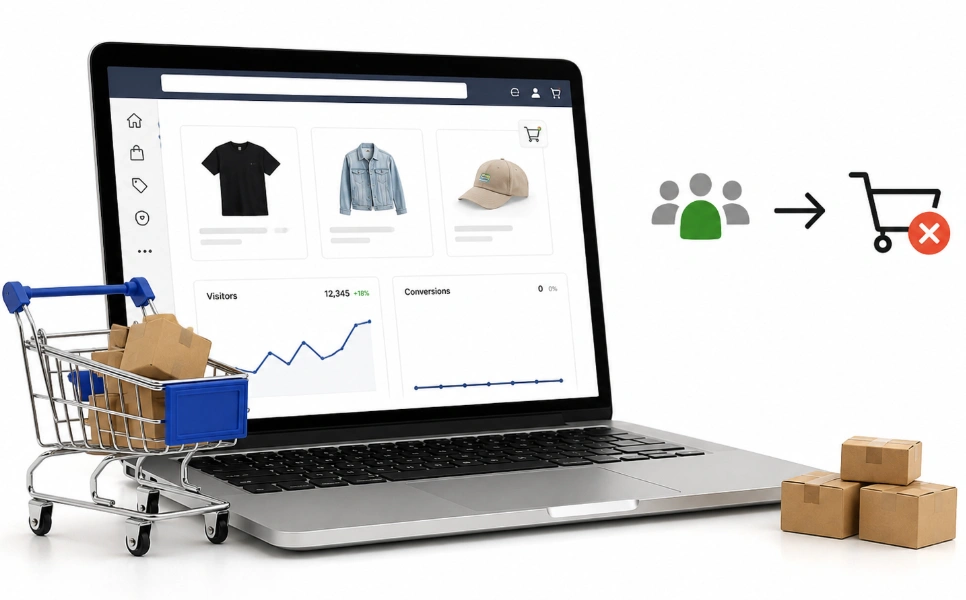
Everyone at this stage already decided to buy. Industry data puts them at five to ten times more likely to purchase than an average visitor. So a leak here costs far more than a leak anywhere else. Shopify also hands you the exact reason, and most owners never open it.
Open your abandoned checkout list
You go to Orders, then Abandoned checkouts. Clicking a payment event returns the failure reason and an authorisation number. Shopify Support confirms this directly. You pass that number to your payment provider when you need help. One warning applies. Abandoned checkouts older than three months get deleted from your admin.
Address entered, no payment attempted
This pattern names its own fix. Shoppers reached the shipping step and stopped. That means shipping presentation, not discounts and not recovery emails.
Your cost reveal is landing too late. A handful of these will show whether a card was ever entered. Empty payment events point straight at your shipping reveal.
Payment attempted and failed
Declines, invalid card data and high-risk blocks all appear here. 3-D Secure failures show up too, where the bank wanted an extra confirmation step. Repeated attempts from one shopper often mean a genuine buyer fighting your checkout.
Fraud apps cause some of these blocks. Thresholds set too low will auto-decline honest customers. Two to four weeks of flag-for-review shows your own fraud rate.
Four configuration faults
Your gateway may sit inactive or still in test mode. Shipping rates may be missing for that address. An app can interfere with the checkout page. Tax or inventory settings can block the order, and stock can sell out mid-checkout.
A shopify checkout conversion problem shows up in that list nine times out of ten. Some faults never reach any report at all though.
The Silent Blockers Nobody Checks
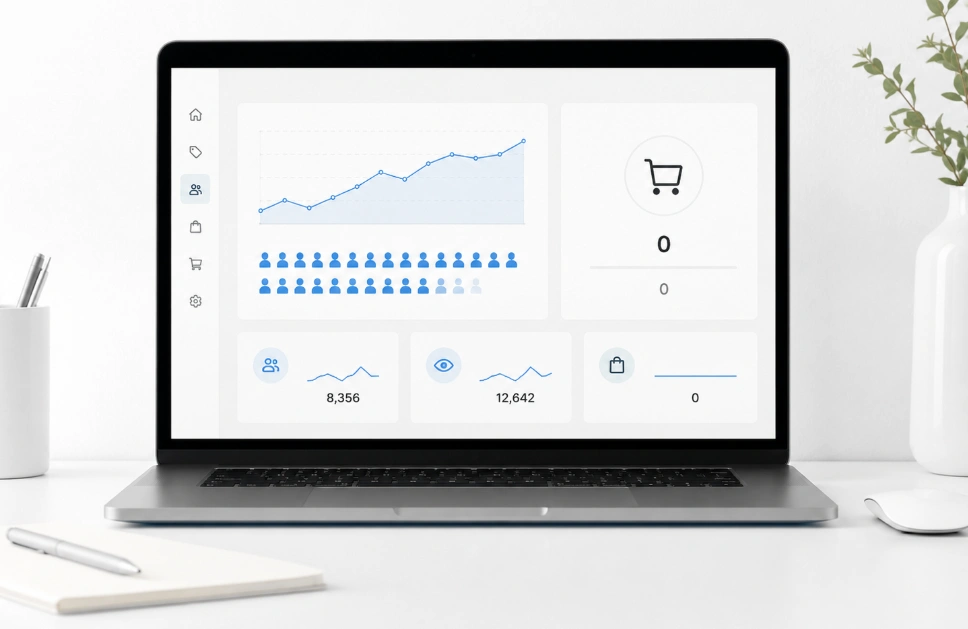
These problems stop the shopper before Shopify records anything. No report flags them, and no benchmark reveals them. Owners find them by accident months later. So a quick pass through this list saves real money.
- Shipping zones that exclude your actual buyers
- A theme or app conflict breaking the buy button on one browser
- Currency and payment methods that do not suit the visitor’s country
- Password protection left on a page or a market
- Abandoned checkout emails that never send, because you cannot ship to that address
Most of these live in your theme code or your app stack. A Shopify development team can trace a broken buy button faster than trial and error will. Reading reports gets you close. Using the store yourself closes the gap.
Run a Real Test Order
Analytics cannot catch everything. So you place a full order the way a customer would. Use a real address and a real card. Match the country, the device and the discount code your shoppers use. Then repeat the whole thing on mobile and desktop, across two browsers.
Watch three things at the end. Your order confirmation should arrive, your shipping options should appear, and your tax should look right. Once you know what broke, the question turns to which repair earns its time first.
What to Fix First
Not every fix pays the same. The rule is simple. You fix the earliest stage with the biggest gap against its reference range.
For most stores the order runs like this. Hard blockers first, then tracking, then checkout friction, then your product page and offer. Traffic quality follows, then UX, then speed, then design. If you want that audit run for you, our Shopify CRO services work through the funnel in the same order.
Why does this order hold? A broken checkout costs you buyers who already committed. A homepage redesign helps people who were never reaching checkout anyway.
That is how a shopify conversion problem gets solved without a full rebuild. A change only counts once you can prove it moved something.
How to Tell If a Change Worked
Every fix should have one number attached to it. A product page edit should lift add-to-cart rate. A shipping change should lift reached-checkout rate. A payment fix should lift checkout completion.
Two rules keep the results honest. You wait long enough for the numbers to mean something, and you change one thing at a time. Two changes at once tell you nothing about either.
Recovery comes last. Abandoned checkout emails and retargeting bring back shoppers who already showed intent. Those shoppers cost less than new traffic does. Fixing shopify visitors but no orders is cheaper than buying more of them. A few questions come up often enough to answer on their own.
Frequently Asked Questions (FAQs)
Six more questions land in our inbox from Shopify owners every week. Each answer below stays under forty words.
Is my product the problem instead of my store?
Sometimes yes, and it is worth ruling out. Search demand for your product name tells you a lot. Low demand plus no clear edge over cheaper rivals points at the product.
Why do my Facebook ad visitors leave within seconds?
Social shoppers click out of curiosity rather than intent. A bounce rate above 65% with sessions under 30 seconds signals bad targeting. That fix belongs in your ad account, not your theme.
Should I lower my prices to get my first sale?
Almost never at this stage. Price is seldom the blocker on a store with no proof behind it. Reviews, honest photos and a refund promise do more than a discount will.
Could shoppers be buying my product on Amazon instead?
Yes, and your Shopify reports will never show it. Someone searches your product name and finds the marketplace listing first. Your own store tends to lose that ranking battle every time.
How many products should a new store have?
Fewer than most new owners think. Ten to twenty focused products beat a hundred random ones. A tight range makes your store look deliberate and gives shoppers an easier choice
How many products should a new store have?
Fewer than most new owners think. Ten to twenty focused products beat a hundred random ones. A tight range makes your store look deliberate and gives shoppers an easier choice
Do I need paid ads to get my first sale?
No, though paid ads bring traffic faster than anything else. Organic search, email and communities all work without a budget. Paid traffic gives you data sooner while you run tests.
Book a Funnel Audit Before You Rebuild Anything
You now have the whole path in front of you. It runs from sample size down to the payment event that failed. Most stores leak at one stage while the rest works fine. That is why a full rebuild wastes money. You fix the stage, not the store.
The abandoned checkout list alone names the reason on most stores. Owners open it once and find the fault in minutes. Why is my shopify store getting traffic but no sales? The nine stages above hold your answer, and one of them is yours.
A funnel audit finds your leak in about a week. It comes with a ranked fix list and one number to watch. Book yours before your next ad spend.
