
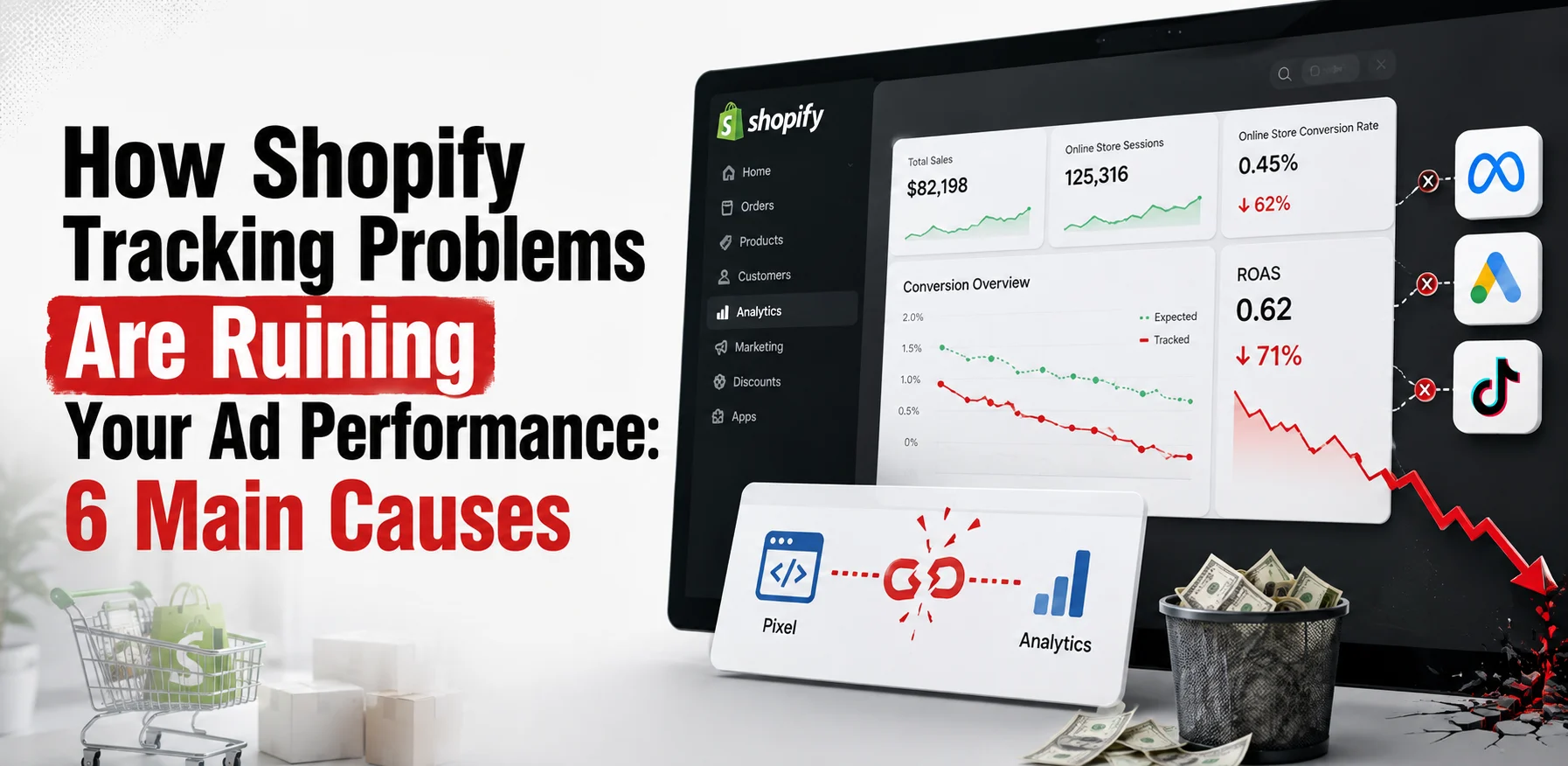
Your ads spend money every day, yet the reported sales do not add up. The ROAS number in Google Ads looks strong, but real orders fall short of the cost. Something between the click and the conversion is feeding the algorithm bad data.
Most store owners across the USA blame the creative or the audience first. The real break sits in the tracking layer behind every ad platform. Each platform bids on purchase signals, not on your ad design.
Bad data pushes algorithms toward the wrong buyers. These are the Shopify tracking problems ruining ad performance for stores running Google, Meta, and TikTok. The platform learns from what you send, so a broken event trains it to fail.
This guide covers six tracking gaps that damage ad results. Each one maps to a clear fix you can run this week. The first step is reading how each platform gets its purchase data.
Why Bad Shopify Tracking Kills Ad Performance
Shopify tracking problems hurt ad performance because platforms bid on conversion signals. A missing purchase event means the algorithm never learns which click led to a sale. One missing signal shifts the entire bidding strategy toward the wrong traffic.
Google Smart Bidding, Meta Advantage+, and TikTok optimization all read purchase events in real time. Each platform adjusts bids based on those signals after every auction. A bad event feed points the system at buyers who never convert.
Shopify tracking setup is where data quality starts or breaks for every ad channel. Shopify’s customer events layer handles pixels, app pixels, and custom tags. A conflict between two purchase sources creates duplicate conversions that inflate ROAS.
The fix order matters too. You audit the purchase event before touching bids, budgets, or creatives. A clean data source is the one thing every other fix depends on.
6 Shopify Tracking Problems That Ruin Ad Performance
Six gaps explain most broken ad tracking across Shopify stores. Each one below ties to a single layer in the data chain. The first gap sits in Google Ads conversion tracking.
Google Ads reads the wrong conversion event
Google Ads needs one primary conversion action tied to a purchase with a value. Many stores run both the Google & YouTube app and an old Google Tag Manager setup. Both fire on the same purchase, so Google counts one sale as two.
A Shopify Google Ads tracking issue causes Smart Bidding to target users who look like high converters from duplicate data. The bidding system raises bids on traffic that merely resembles double-counted buyers. Your ads may have a clicks-but-no-sales pattern caused by broken tracking.
The Google & YouTube app migration guide tells you to remove old GTM purchase tags before the new one goes live. Keeping both active is the most common source of duplicate Google Ads conversions. The fix is to remove the old GTM tag and leave the Google & YouTube app as the only purchase source.
You then set that purchase event as primary inside Google Ads under Goals, then Conversions. Secondary conversions do not feed Smart Bidding. One primary purchase event with conversion value is what the bidding system needs.
GA4 ecommerce data does not match ad reports
GA4 and Google Ads pull conversion data from different attribution models. GA4 uses session-based attribution by default while Google Ads uses last-click. A Shopify GA4 ecommerce tracking gap appears when one tool reports 40 sales and the other reports 60.
The attribution window also differs between the two. GA4 may apply a 30-day lookback while Google Ads shows a 90-day window. Comparing these two numbers without adjusting the window settings gives a misleading result.
Duplicate GA4 tags inflate session counts and event totals. The Google & YouTube app sends purchase data to GA4 automatically. A second manual tag inside GTM creates double events in the same GA4 property.
You audit for GA4 duplicates using the Realtime report during a test purchase. A single order that shows two purchase events confirms the duplicate. You remove the manual GTM tag and let the Google & YouTube app handle the GA4 data feed.
Meta Pixel misses purchase events or fires them twice
A Shopify Facebook pixel problem shows up as a low event match quality score in Meta Events Manager. Meta uses event match quality to decide how well a pixel ties an event to a real person. A score below 6 out of 10 means Meta cannot attribute most purchases to an ad click.
Your event match quality improves with a proper Shopify CRO review each quarter. The Conversions API sends server-side purchase data that the browser pixel misses after iOS privacy updates. iOS blocks browser pixels from tracking a large share of purchases across all Apple devices.
Shopify server side tracking through the Meta Conversions API recovers those missed events. You enable it by setting data sharing to Maximum inside the Shopify Facebook sales channel settings. That switch sends both browser and server events, and Meta deduplicates them at the event ID level.
Data sharing set to Standard only sends browser pixel events. Standard misses every purchase where the browser pixel was blocked. Maximum is the setting that protects purchase data across iOS and other privacy-restricted browsers.
The purchase event does not fire on the order confirmation page
A Shopify purchase event not firing issue shows in Events Manager as AddToCart events with no matching Purchase events. The buyer adds to cart, reaches checkout, pays, and then the thank-you page fails to fire the event. This traces to a pixel placement outside Shopify’s customer events layer.
Shopify now requires all pixels to live inside the customer events section of the admin. A pixel placed in theme code or a script tag outside customer events will not fire on the checkout or order status page. You move the pixel into Shopify Settings, then Customer Events, to fix this.
A Shopify pixel not tracking purchases is the most damaging gap in the whole stack. The platform never learns which ad drove the confirmed sale. Every dollar spent after that gap optimizes against zero purchase signal.
You test the fix using the platform’s event testing tool right after the change. A confirmed purchase in the test tool means the pixel now fires on the order page. You monitor the Events Manager for 24 hours to confirm live purchases show a Purchase event.
Duplicate purchase events inflate ROAS and mislead bidding
Duplicate purchase events happen when two tracking methods both fire on the same order. One store may run the Meta pixel through the Shopify sales channel and also through a third-party app. Both report the same purchase, and Meta counts it as two separate sales.
A Shopify conversion tracking issue from duplicate events creates a false ROAS that hides the real cost of each sale. A ROAS of 8x in Meta Ads may be closer to 4x after removing duplicates. Smart Bidding and Meta’s learning algorithm both adjust bids using those inflated numbers.
Duplicate purchase events create the false ROAS your PPC management team has to undo before the account can improve. The platform thinks the campaign is twice as profitable as it is. Bids rise to win more of what the algorithm believes is a high-return audience.
You audit for duplicates inside Meta Events Manager under the Diagnostics tab. Google Tag Assistant shows duplicate tag fires for Google Ads conversions during a live test. You remove the duplicate source and leave only one deduplication-safe method sending purchase events.
Attribution windows create a Shopify analytics mismatch
A Shopify attribution problem appears when Shopify and Meta report different revenue for the same period. Shopify counts revenue on the day the order is placed. Meta counts a conversion on the date of the ad click, which may be days before the purchase.
A 7-day click window in Meta can pull a purchase made today back to an ad clicked last Tuesday. Shopify reports that sale under today’s date. The numbers will never match exactly because each platform applies a different date rule.
Shopify analytics mismatch also comes from different attribution models. Meta uses a 7-day click and 1-day view model by default. Shopify uses last-click attribution. The same buyer counts as a Meta conversion and an organic sale in Shopify at the same time.
You fix this by comparing windows that match as closely as possible. You set the Meta reporting window to 7-day click, then compare to Shopify revenue over the same date range. The gap that remains after matching windows shows true attribution discrepancy.
How to Audit Shopify Tracking Before Scaling Ads
You audit tracking by checking each purchase event source in a set order. You start with the ad platform, move to the pixel or Conversions API layer, and end at the Shopify admin settings. One broken link in that chain explains most reporting gaps.
Shopify GA4 ecommerce tracking issues often appear in the Realtime report during a test purchase. You run one real purchase and count how many purchase events appear in that report. Two events from one purchase confirm the duplicate.
The table below maps each platform to the first audit step. One check per platform takes under 20 minutes. A clean tracking pass before a budget raise saves weeks of corrupted bidding data.
Platform | First audit step | What to look for |
Google Ads | Goals, then Conversions | One primary purchase, no duplicates |
GA4 | Reports, then Realtime | Single purchase event per order |
Meta Ads | Events Manager, Diagnostics | Event match quality above 6 |
TikTok | Pixel Health in Ads Manager | Complete Payment event firing |
Shopify tracking setup in the customer events section controls which pixels fire on the checkout. You open Shopify Settings, then Customer Events, and review every active pixel. A pixel showing active that you no longer use should be removed the same day.
How Our Team Fixes Shopify Tracking
Our team has fixed Shopify tracking setups for ad accounts for over 10 years. We audit each purchase event source, remove duplicate tags, and set the right primary conversion. From there, we verify event match quality and enable server-side tracking where the data needs it.
One client’s Meta ROAS dropped from 8x to 4x after we removed duplicate events. That 4x figure was the real number, and it led to smarter bid decisions. A clean data set gave Meta’s algorithm the signal it needed to find real buyers.
A Shopify Facebook pixel problem is one of the first things we look for on every audit. Sellers share these gaps in one Shopify community post on tracking about Meta ads. You can reach out for a free tracking audit to find out where your data breaks.
Common Shopify Tracking Mistakes That Damage Ad Data
Most broken tracking traces to one of five setup errors. Each one below damages ad performance in a measurable way.
- An old Google Tag Manager setup running alongside the Google & YouTube app.
- A Meta pixel placed in theme code outside the customer events section.
- No Conversions API enabled, leaving browser-only tracking exposed to iOS blocks.
- Two third-party apps both reporting the same purchase event.
- A Shopify Google Ads tracking issue where the purchase goal is set as secondary and does not feed bidding.
Sellers in a Reddit thread on Shopify tracking report losing 50 to 80 percent of conversions to these exact setup errors. Each error sends the algorithm wrong data. The campaign looks weak because the data is weak, not because the product or audience is wrong.
Frequently Asked Questions (FAQs)
Store owners with broken tracking ask some common questions. The answers below name the cause and the first move to make.
Duplicate purchase events inflate reported ROAS without adding real orders. You audit for duplicate tags inside Meta Events Manager or Google Tag Assistant.
A Shopify analytics mismatch happens because each platform uses different attribution windows. Meta counts a conversion on the click date, while Shopify counts on the order date.
You move the pixel into Shopify Settings, then Customer Events. A pixel placed in theme code will not fire on the checkout or order status page.
Shopify server side tracking sends purchase data from Shopify’s servers to the ad platform. It runs alongside the browser pixel and covers purchases that iOS privacy blocks.
Smart Bidding needs two to three weeks of clean data to restabilize. A temporary drop in reported conversions after a fix is normal.
A Shopify attribution problem appears when two platforms report different revenue for the same period. Each platform applies its own attribution window and model to the same buyer journey.
Shopify checkout pages only accept pixels placed inside the customer events section. A pixel in theme code fires on product pages but not on the order confirmation page.
A score of 7 or above means Meta can attribute most purchases to a real profile. Below 6, Meta loses attribution on a large share of iOS purchases.
Fix Your Tracking Before the Next Campaign
Shopify tracking problems ruining ad performance is a data problem, not a campaign problem. The issue sits in the event layer between your store and the ad platform. Clean purchase data is what lets algorithms learn and bid on real buyers.
You audit the purchase event first, then remove duplicate tags, then set one primary conversion action. A working Conversions API keeps data flowing after iOS privacy updates block browser pixels. One Shopify pixel not tracking fix can recover the purchase signal every platform needs.
A broken event costs more than a weak creative or a mismatched audience. The algorithm recovers from a bad ad in days. A missing purchase event leaves it blind for as long as the gap stays open.
