
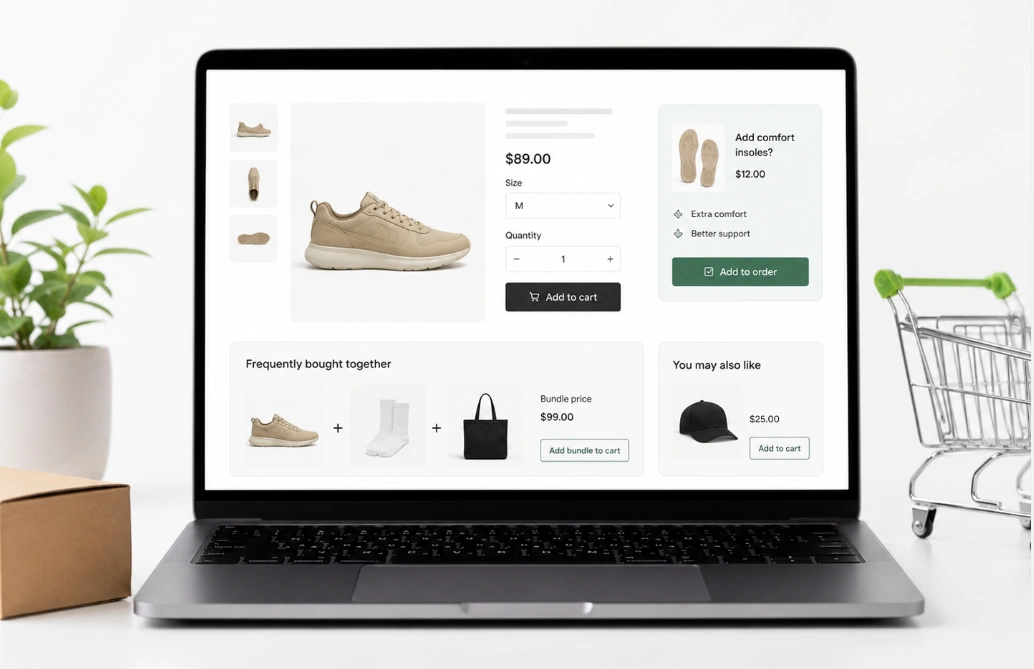
Selling more to your current customers is a smart way to grow your store. A great way to do this is by showing a special offer right after they check out. Today, we will share a simple Shopify Post-Purchase Upsell Optimization Checklist to help you.
A post-purchase upsell shows a new product deal right after a customer pays. This page appears before they see the final “Thank You” or order confirmation page. This is a great conversion rate optimization trick.
The customer doesn’t need to enter their credit card information again. They just click one button to buy the extra item. This means there is zero abandonment risk because the first sale is already complete.
To make this plan work, you need to understand the main rules. Every good strategy starts with a solid foundation.
What Exactly Is a Shopify Post-Purchase Upsell?
Before we dive into checklists and strategies, it’s crucial to understand the foundation of this powerful tool. Many store owners are familiar with upselling, but the “post-purchase” part is what makes this method a game-changer for increasing revenue without risk. To get a full picture, it’s helpful to break down what is a Shopify post-purchase upsell into its core components.
At its heart, a post-purchase upsell is a special, one-time offer that is presented to your customer after they have successfully completed their initial payment, but before they land on the final “Thank You” or order confirmation page.
The Magic of the "In-Between" Moment
Think of the typical checkout flow. A customer adds items to their cart, enters their shipping and payment info, and clicks “Pay Now.” The magic happens in the split second that follows. Instead of immediately seeing their order confirmation, they are shown a new page with a highly relevant, complementary offer.
This timing is critical because the original transaction is already complete and secure. There is absolutely zero risk of them abandoning their initial cart because you tried to sell them something extra.
How the One-Click Purchase Works
The reason this is so effective is that it’s completely frictionless. You aren’t asking the customer to pull out their credit card again. Shopify’s payment system securely “vaults” or saves their payment information for a very short window.
This allows the customer to review your new offer and accept it by clicking a single button, like “Add to My Order.” If they accept, their original order is instantly updated with the new item, and the card on file is charged for the additional amount. It’s seamless, fast, and incredibly convenient for the shopper.
The Core Rules of Extra Offers
The offer page acts as an “in-between” step, also called an interstitial step. It bridges the gap between the main payment and the final receipt. This timing is perfect because it catches the buyer when they are happy and still in a “buying mindset.”
Here are the top rules you must follow for your store:
- Keep it Frictionless: A frictionless checkout is fast and smooth. The customer only needs to tap a big button to accept the offer. There is no hard work for them to do.
- Focus on Timing: The offer page must load instantly after the main payment. Fast loading speeds keep the customer from closing their browser.
- Use the 25% Rule: Most experts agree that the extra item should cost 25% or less than the main order. This small price makes it an easy impulse decision for the shopper.
Learning these basic rules helps you understand the software. Next, we will look at how the human brain reacts to these special pages.
The Buying Mindset and Why It Matters
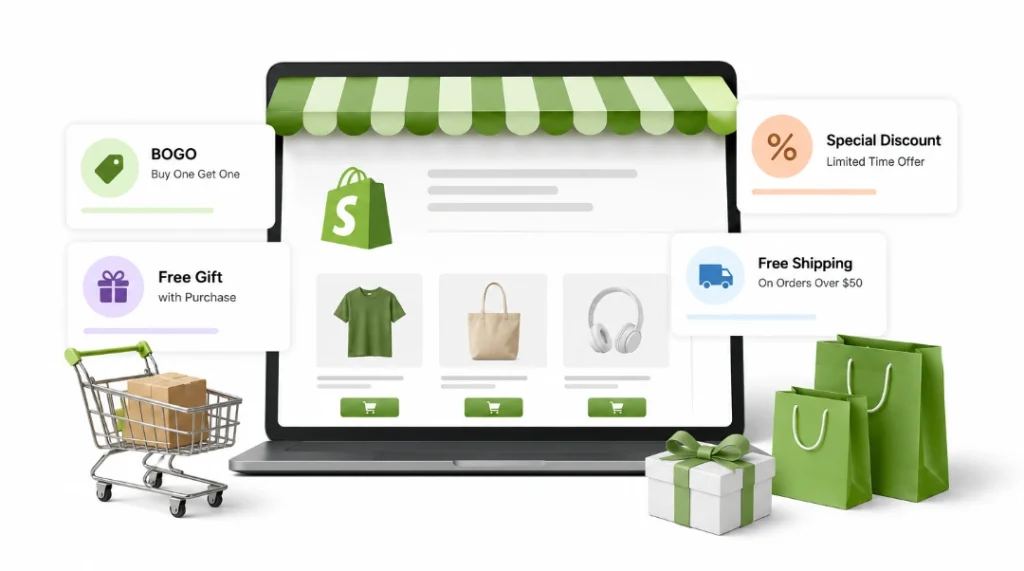
The timing of your offer is the real secret to success. A person feels good right after they buy something they want. They have already decided to trust your brand with their money.
The hardest part of the checkout is over. Their wallet is already “open” in their mind. This creates an active buying mindset that is ready for another good deal.
Upsells before checkout can make people tired. They have to rethink shipping costs and the total price. Once the main order is finished, this “decision fatigue” disappears.
Understanding your buyer makes your store much stronger. Now it is time to set up your web pages correctly.
Thank You Page Upsells vs One-Click Offers: Which is Better?
When deciding where to place your offers, you might wonder about the difference between a thank you page upsells vs one-click offers. While both happen after the initial sale, their timing and effectiveness are very different. For maximum revenue, the one-click interstitial offer that appears before the thank-you page is the superior strategy.
Here is a quick comparison table to break down the key differences:
Feature | One-Click Interstitial Offer | Thank You Page Offer |
Placement | Appears immediately after payment, before the final confirmation page. | Appears on the final confirmation or “Thank You” page. |
Customer Mindset | Buyer is still in an active “buying mode” and focused on the transaction. | Buyer’s “buying mode” is fading; they consider the transaction complete. |
Engagement Level | Very high. The customer is still engaged with the checkout flow. | Lower. Customers often close the browser tab immediately after seeing confirmation. |
Conversion Rate | Significantly higher due to perfect timing and high engagement. | Much lower because the sense of urgency and focus is gone. |
Overall Strategy | Winner. Best for maximizing immediate Average Order Value (AOV). | A good secondary option, but not as effective for primary upselling. |
The Shopify Post-Purchase Upsell Optimization Checklist
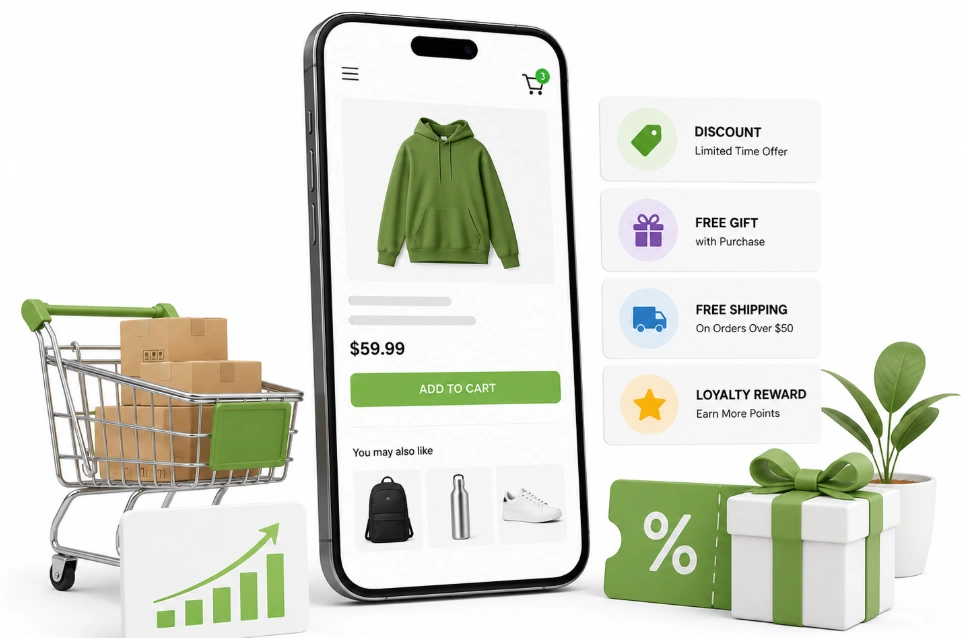
Building a great web store takes time and focus. You need to check every detail to make sure it works. Following a good Shopify Post-Purchase Upsell Optimization Checklist will guide you.
We divided this guide into simple sections. You can follow along and fix your store this week. Let’s start with how your offer page looks on a phone.
Step 1: Optimize for Mobile Phones
Most of your customers shop on their phones today. Your offer page must look perfect on these small screens. A bad mobile design will ruin your sales very fast.
Focus on total mobile responsiveness. Everything should fit on the screen so the user does not have to zoom. The buyer should see the main picture and the final price right away.
Make sure your buttons are big and easy to touch. We call these big buttons “tap targets.” Small buttons frustrate people and can make them leave the page.
You also need to write great benefit-driven copy. Keep your text short and easy to read quickly. Tell them exactly how much money they are saving with the offer.
Step 2: Pick the Smartest Trigger Rules
Showing random items to customers is a terrible idea. They will think you just want their money for no reason. You must use smart “trigger rules” to show the right products.
The basic rule of offering relevance is very important. You must always pick a helpful complementary product. The new item should perfectly match what they just bought.
Imagine they buy a flashlight from your store. You should naturally offer them extra batteries on the next screen. This action makes your brand look helpful.
Many new stores make common shopify post-purchase upsell mistakes by showing the wrong products. It breaks the trust you just built with the shopper.
You can use AI-powered targeting to pick the right products automatically. This software scans the cart and picks the perfect match. Perfect pairings lead to a much better upsell acceptance rate.
Step 3: Build a Good Downsell Plan
Not everyone will say yes to your first offer. This is totally normal in the online retail world. You need a strong backup plan ready to go.
A smart post-purchase upsell funnel always includes a second chance. If they decline the first item, you can show a cheaper one. We call this backup plan a downsell strategy.
Let’s pretend they skip a fifty-dollar item. You can then show them a fifteen-dollar item instead. Many people will say yes to the smaller price.
You don’t always have to sell physical items here. Sometimes you can offer special digital perks. You could try selling expedited shipping upgrades for a small fee.
Another great idea is offering bundle discounts. You can give a nice BOGO (Buy One, Get One) deal on the second page. This makes the customer feel lucky and like they are getting a secret deal.
Step 4: Add Real Scarcity and Time Limits
People buy things faster when they think time is running out. This is an old trick in the sales world. You must use authentic scarcity messaging on your landing pages.
You should tell the buyer this deal is private and for their current order only. This makes the offer feel special and pushes them to make a quick choice.
You can also use mild urgency to gently push them forward. Adding a small, clean timer on the screen works very well. It shows them how many minutes they have left to decide.
The timer should never look mean or scary. It should just calmly remind them the private window is closing soon. Keep the tone friendly and helpful.
Make sure you clearly highlight the money they are saving. Show the original price crossed out with a dark line next to the new price. This proves they are unlocking a special discount.
Track Your Numbers and Total Growth
You can never fix a problem if you don’t track your numbers. The main goal is to increase your Average Order Value (AOV). This simply means tracking how much cash a single shopper spends on one visit.
Every extra dollar from these bonus items increases your profit margin. These new sales cost zero extra money to get. This extra cash quickly changes how much your business can grow.
A healthy score for these offers is called an acceptance rate. Good stores normally reach an acceptance rate between three to five percent. If your score is very low, you need to fix your offer pages.
It is very smart to constantly test new ideas in your shop constantly. We call this method A/B testing. You can test a blue button against a green button to see which one gets more clicks.
You might also test two different product pictures. You just run the test and let your customers decide the winner. This keeps your store profitable over a long time.
Customer Retention and Brand Trust
These quick one-click pages are like magic for small online companies. They bring in extra cash without expensive new ads. You make more money from the web traffic you already have.
Think about how hard it is to find a new customer. You spend lots of time and money to get one sale. Getting a second sale from them is so much easier.
This entire method is safe and secure for the buyer. Their private card data stays hidden at all times. They love the fast and easy shopping experience.
When you treat people well, your customer retention goes up. Happy shoppers will return to buy from your brand again. They will also tell their family members about your cool store.
This directly pushes your Customer Lifetime Value (CLTV) up very high. A high CLTV means your store will survive for many years. You just have to always focus on helping the customer find what they need.
Frequently Asked Questions (FAQs)
You might still have some questions about this powerful feature. We’ve gathered the most common questions people ask on Google about this topic. These simple answers will clear up any confusion and help you get started with confidence.
It is a product offer shown to customers after they complete payment but before they reach the “thank you” page. This allows them to add another item to their existing order with a single click, boosting your average order value.
No, customers do not need to re-enter any payment or shipping details. Shopify securely saves their information for a short time, allowing them to accept the offer with just one click. This makes the experience completely frictionless and fast.
When done correctly, they won’t annoy customers. The key is relevance. Offering a complementary product that adds value to their original purchase often feels like a helpful suggestion rather than a pushy sales tactic.
If a customer declines the upsell, nothing happens to their original order. The initial sale is already secure. They are simply taken directly to the standard order confirmation or “thank you” page without any disruption to their experience.
A good guideline is the “25% Rule,” which suggests keeping your upsell price at 25% or less of the customer’s original order value. This makes the offer feel like an easy and affordable add-on, not a major new purchase decision.
Ready to Boost Your Average Order Value?
You now have the complete checklist to transform your Shopify store. Following these steps will help you increase revenue and build stronger customer relationships. You can grow your business without spending more money on ads.
The only thing left to do is take action. Don’t wait to unlock this hidden revenue stream in your checkout. Start auditing your process today and watch your average order value climb.
If you need expert help setting up the perfect funnel for your brand, we are here. Our Shopify post-purchase upsell service is designed to guide you through every step. We specialize in creating high-converting pages that deliver real results.
Contact us today to optimize your store for maximum profit and customer satisfaction. Our team is ready to help you reach your goals.
